Security
As part of the Ixopay Group, IXOPAY Payments Intelligence undergoes an ISO 27001 and SOC2 certification audit for its data platform.
IXOPAY Payments Intelligence is designed with security and privacy as core principles, implementing strict controls to protect sensitive payment and customer information, including Personally Identifiable Information (PII), while ensuring that only authorized users can access the platform.
- Data is masked in the database to prevent merchant users from seeing Personally Identifiable Information ('PII') and related sensitive data. While IXOPAY Payments Intelligence needs to securely store PII data in order to perform payer indirect identification and behaviour analysis for better payments dispute and success insights, such data is anonymized and masked for merchant Users on the IXOPAY Payments Intelligence web-app.
- Access credentials are stored securely without hard coding any secrets or credential in the codebase or database. This includes both access passwords and MFA set-up, however does not include user passwords which are not stored nor accessed by IXOPAY Payments Intelligence.
- Merchant data is segregated into partitioned customer-specific databases. These are accessible by a set of credentials used only by the IXOPAY Payments Intelligence web-app when logged in as the authorized Merchant User (refer also the forced 2-Factor Authentication policy below), hence any threat of leaks or vulnerabilities is reduced as an attacker would still not be able to access data of all merchants on the IXOPAY Payments Intelligence platform.
Enabling 2-Factor Authentication
-
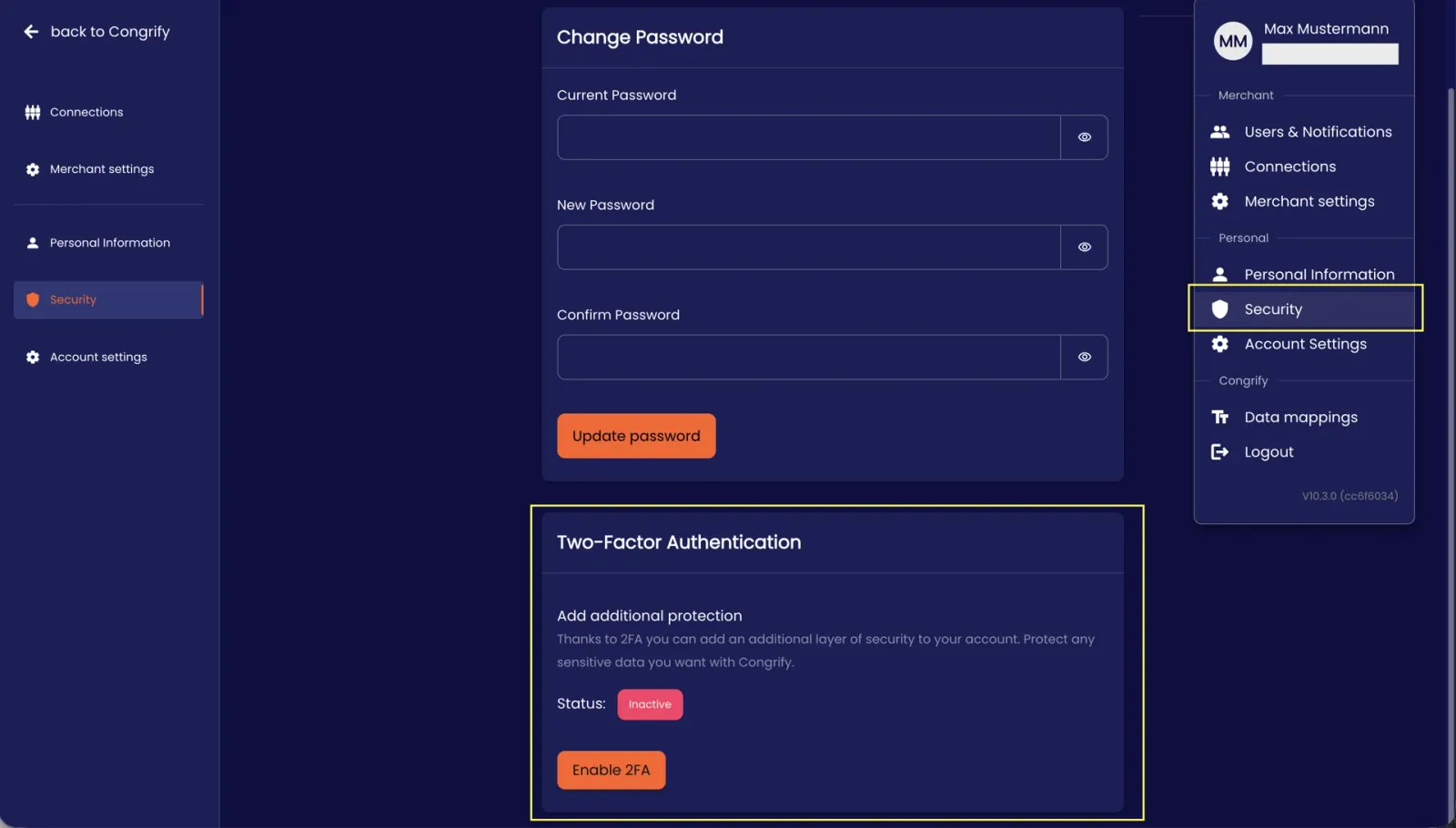
To ensure only authorized Users can access the IXOPAY Payments Intelligence platform and your secure payments data, IXOPAY Payments Intelligence requires every User to setup their 2-Factor Authentication, which is forced as soon as you go live with Live data within 7 days. To setup the 2-Factor Authentication, each User can click on the ‘Security’ button under their User tab, then clicking on the 'Enable 2FA' button to initiate the Authentcator app setup.
-
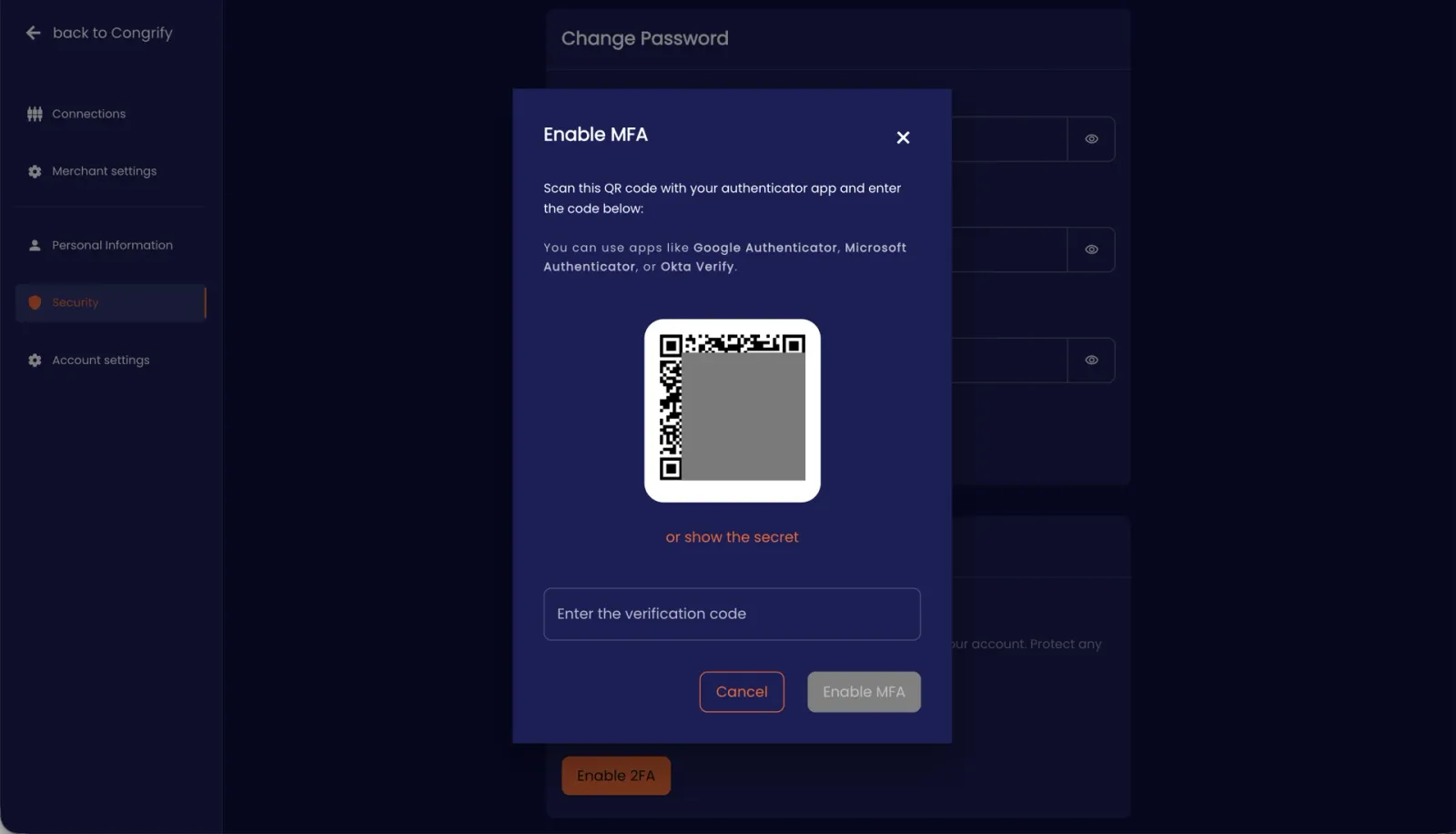
Link your Authentication app (Okta Verify, Microsoft Authenticator or Google Authenticator) with a QR-code (or with the secret code) to securely access the IXOPAY Payments Intelligence web-app with 2 factor authentication.
-
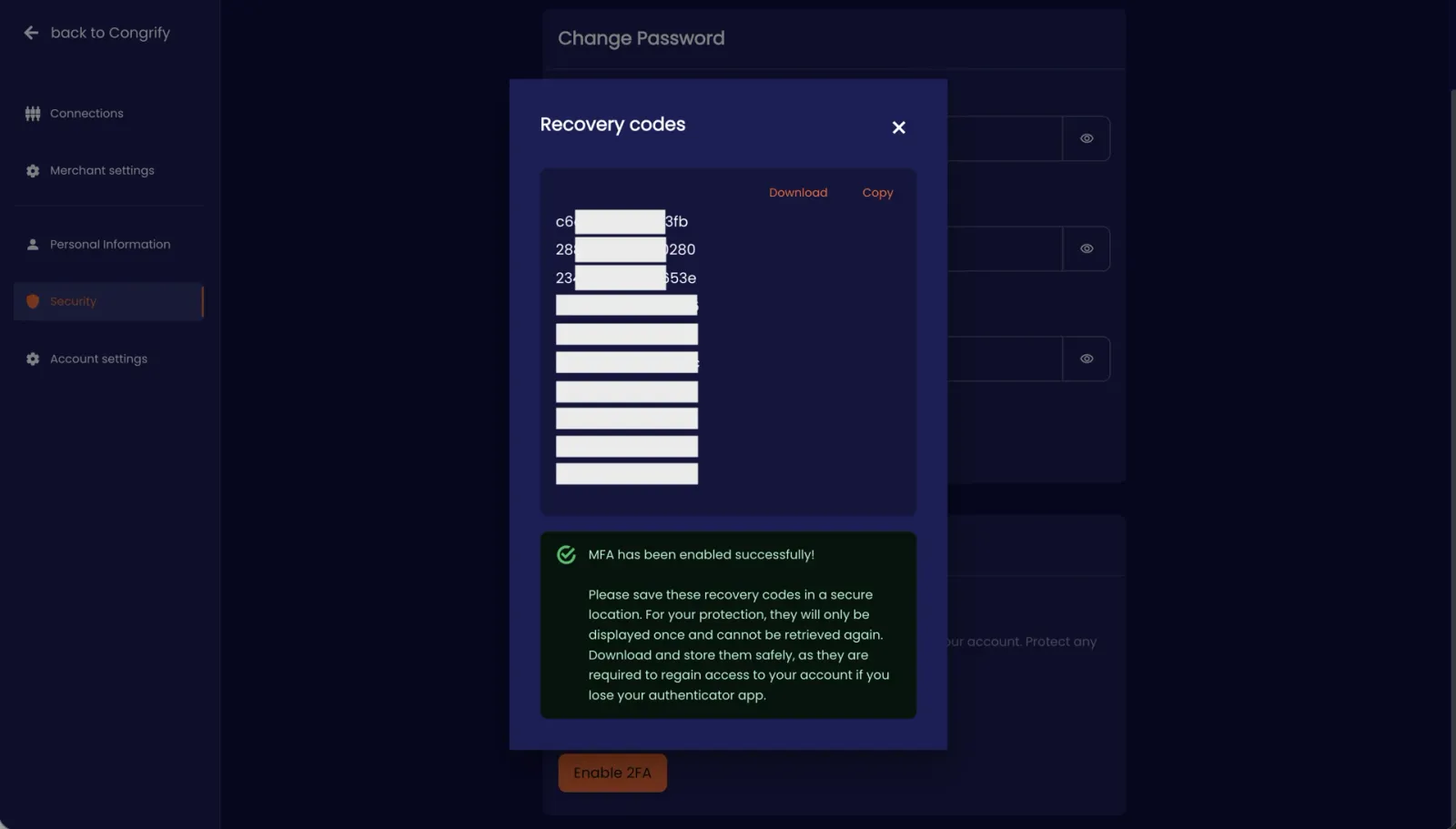
Recover your account directly through recovery codes (self-custody) in case of loss of authentication device.