Registration & Login
To create a demo account, you can either contact the support team, or directly sign up on the demo portal following the steps below:
-
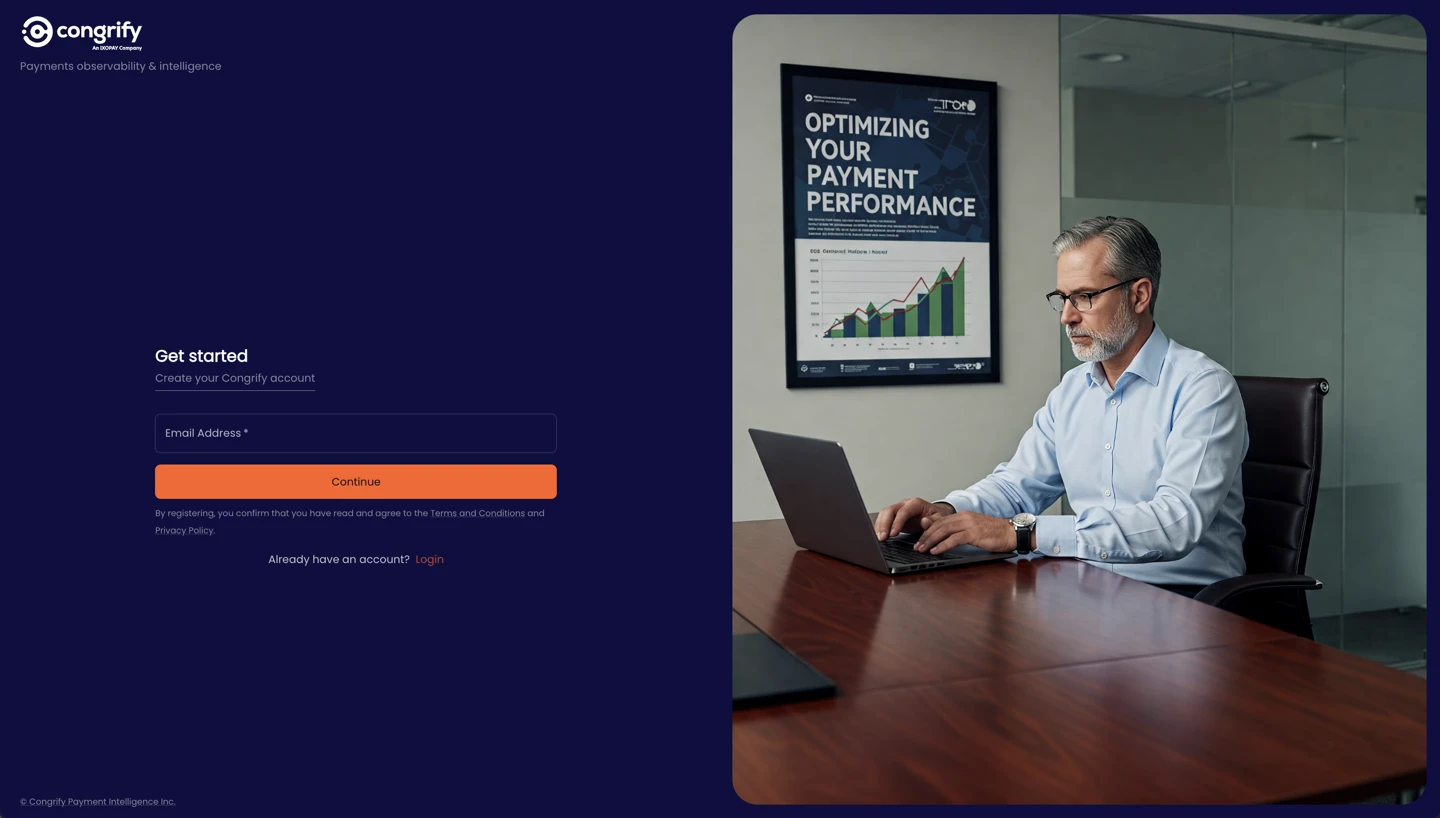
Go to https://app.congrify.com/sign-up, enter your email address and click on “Continue”.
-
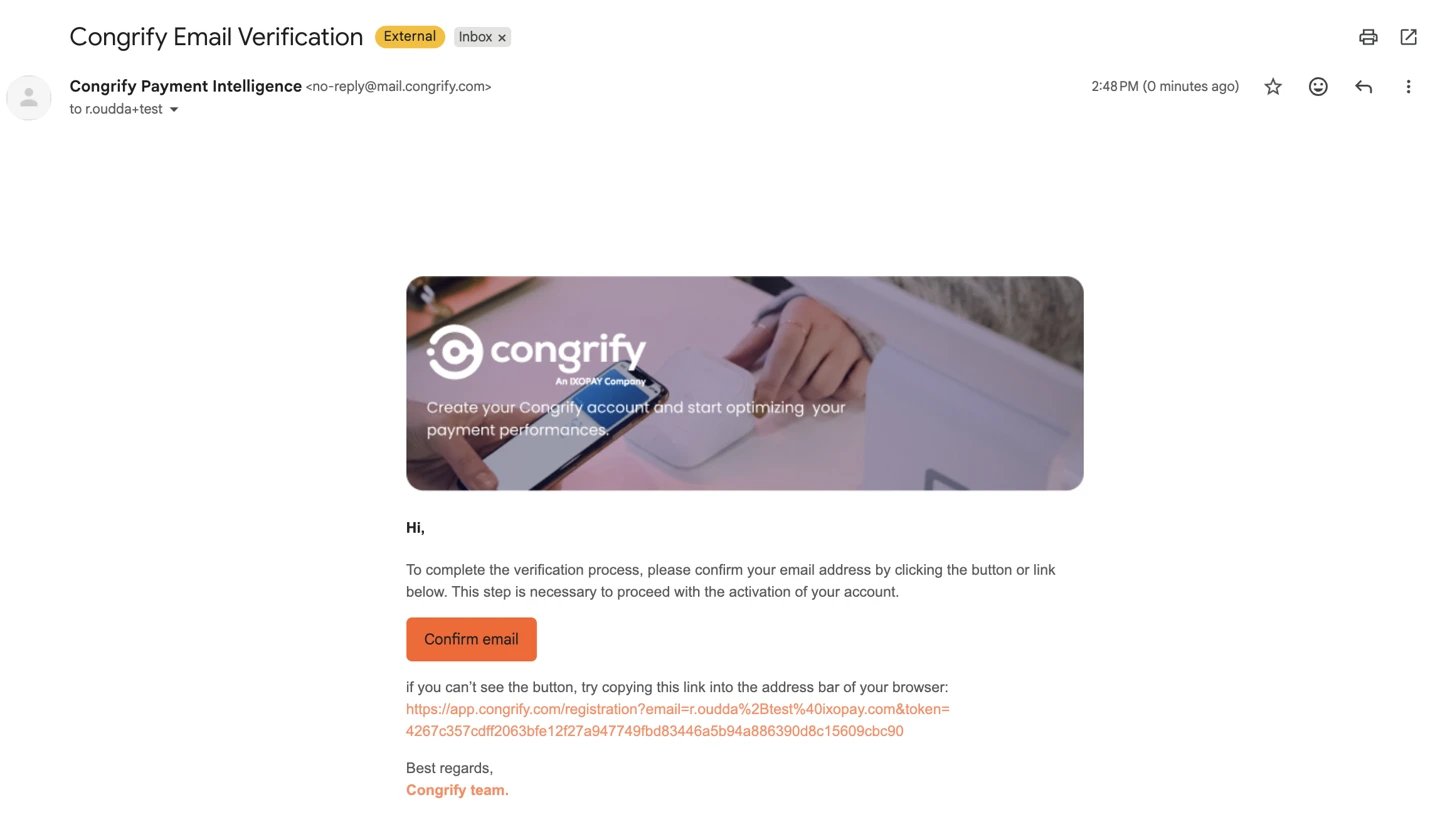
Check your inbox for the Email Verification, then click on “confirm email”.
Important: Check your spam folder if you are not finding the email in your main inbox.
-
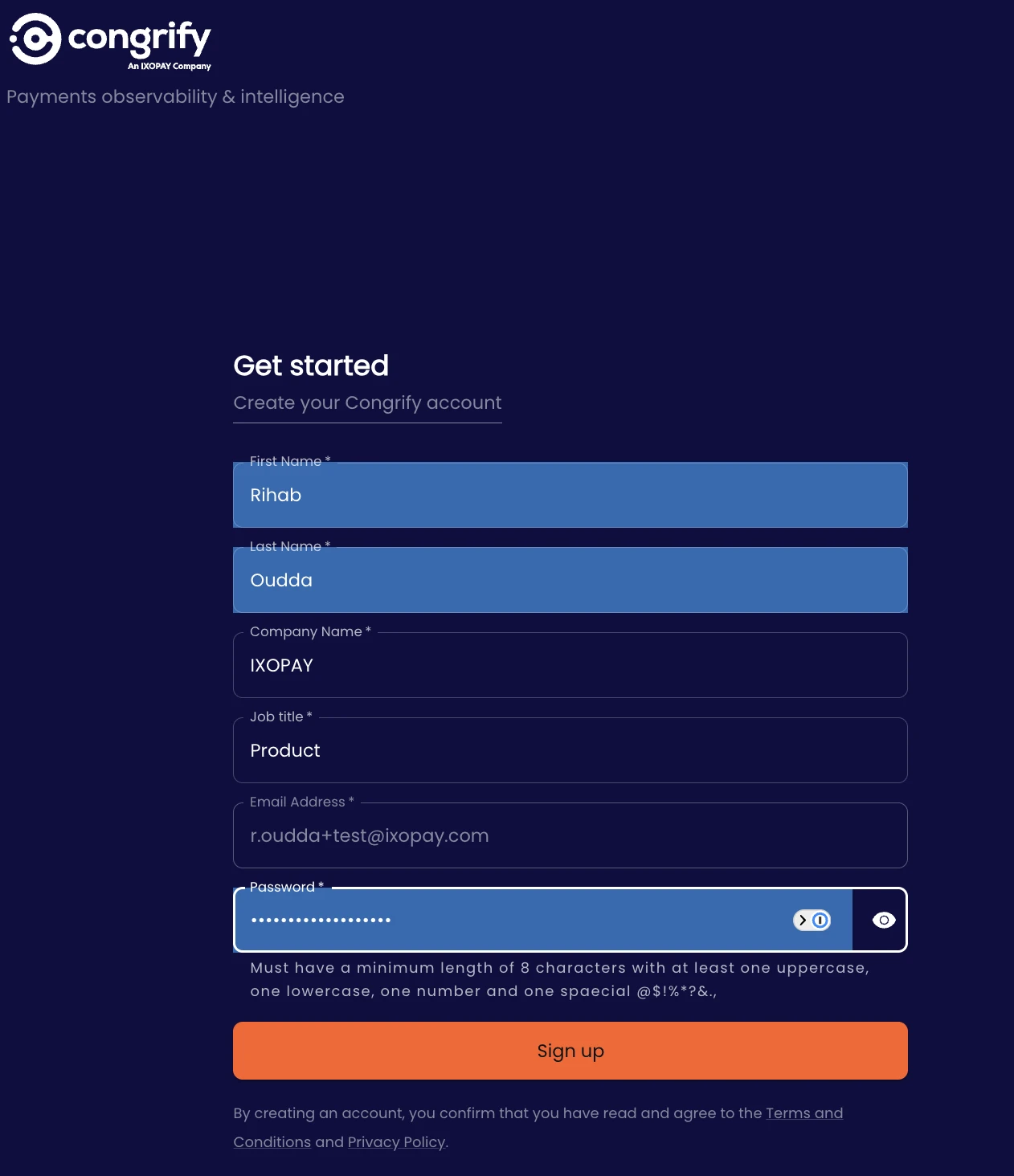
Fill in your information details and create a password to proceed with the sign up.
-
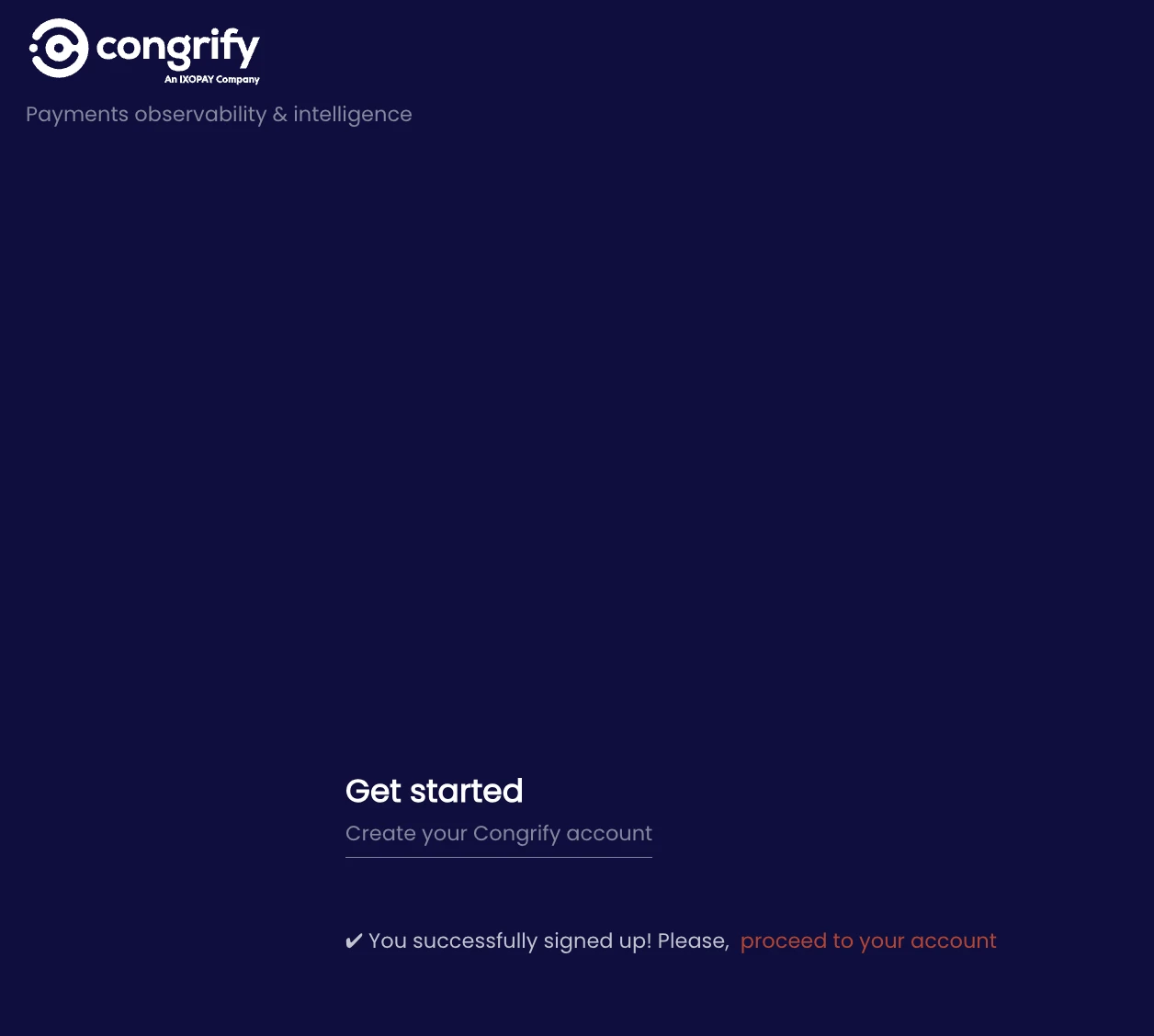
Your account has now been created. To access the platform, click on “proceed to your account”.
-
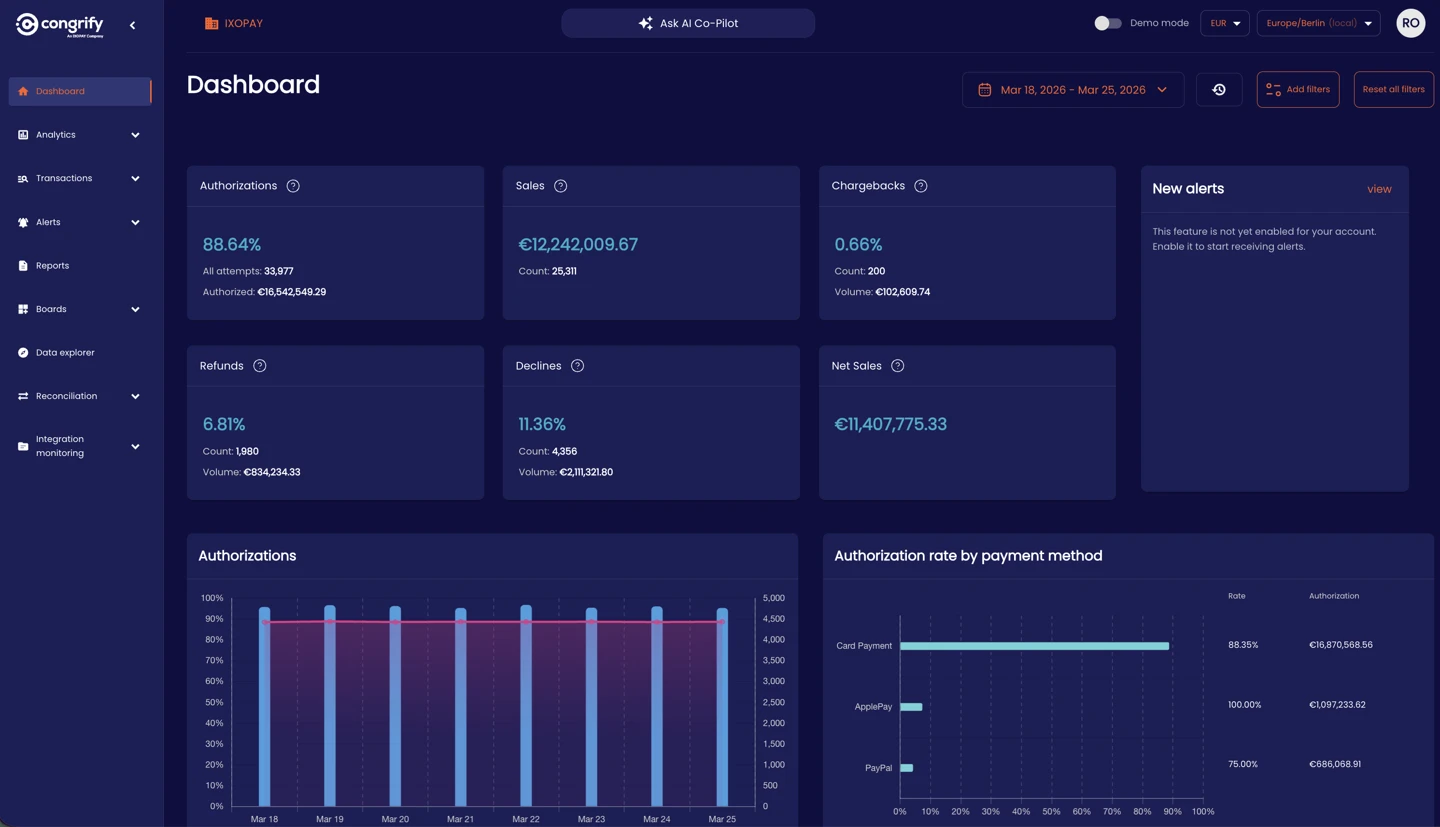
You now have access to the demo app dashboard and are able to navigate through the different features and functionalities.
If you face any technical difficulties, please contact the support team.