Stripe App Marketplace
IXOPAY Payments Intelligence's platform is now available directly within the Stripe ecosystem. With the Stripe app, you can unlock powerful payment insights and performance monitoring—without ever leaving your Stripe dashboard.
The integration is secure, seamless, and takes just a few clicks to set up. Once installed, you’ll be able to analyze trends, detect anomalies, and optimize your payment operations with real-time intelligence tailored to your business.
You can try IXOPAY Payments Intelligence for free before upgrading to the Basic plan designed specifically for Stripe users. Get started today and turn your Stripe data into actionable insights.
What to expect from IXOPAY Payments Intelligence's AI Assistant
With IXOPAY Payments Intelligence’s AI Payment Assistant, you can:
- Chat with an AI model tailored to your Stripe data and get instant answers
- Receive smart interpretations and actionable recommendations on your payment performance
- Gain insights in seconds—no downloads, no manual analysis required
- Learn best practices with curated industry knowledge from seasoned payment experts
Onboarding flow
-
Visit Stripe’s App Marketplace, search for Congrify Payment Assistant, and click ‘Continue’ to install and start onboarding with the Congrify Payment Assistant.”
-
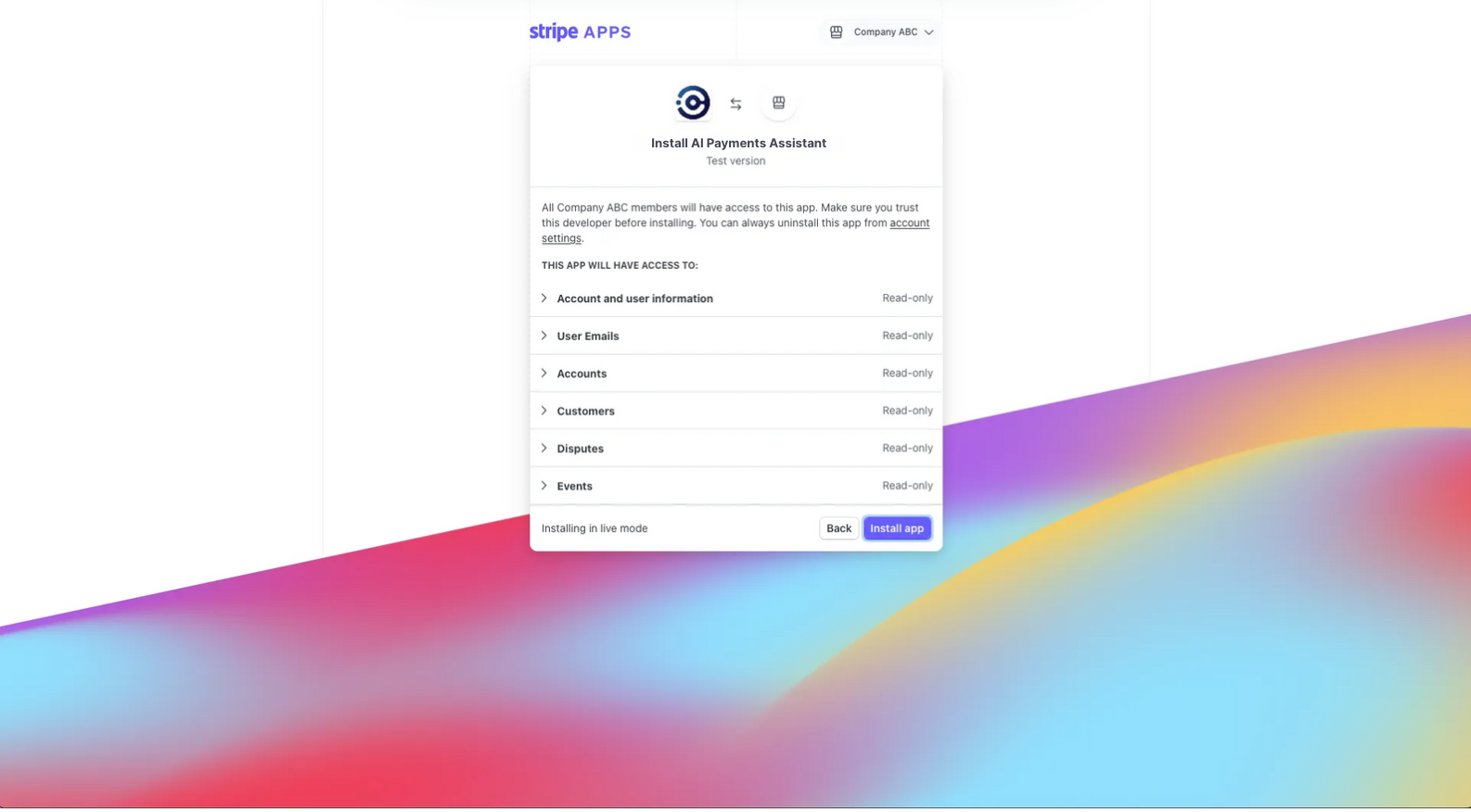
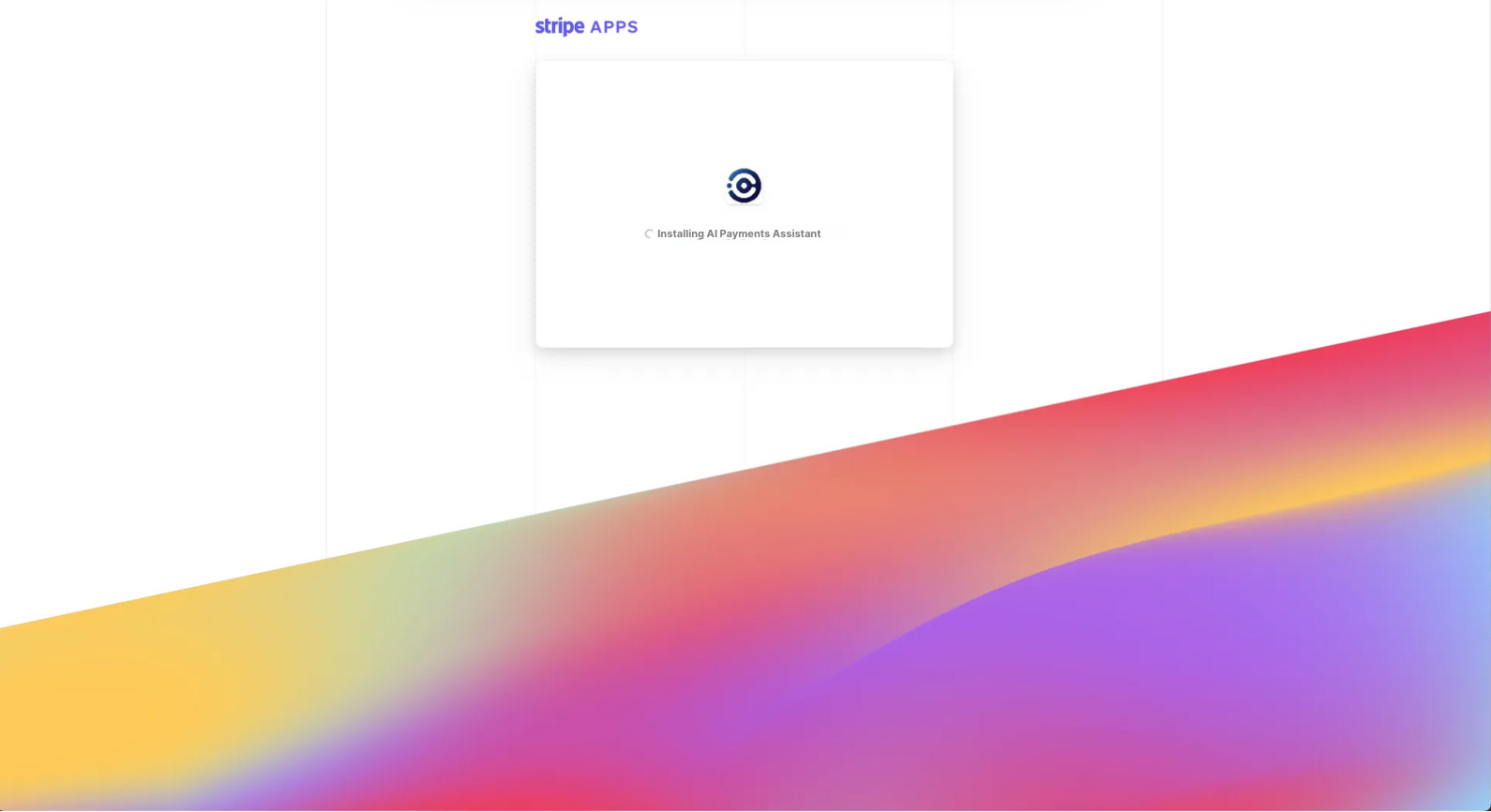
To install the app, simply allow IXOPAY Payments Intelligence secure access to your Stripe account. This ensures a safe and seamless setup.
-
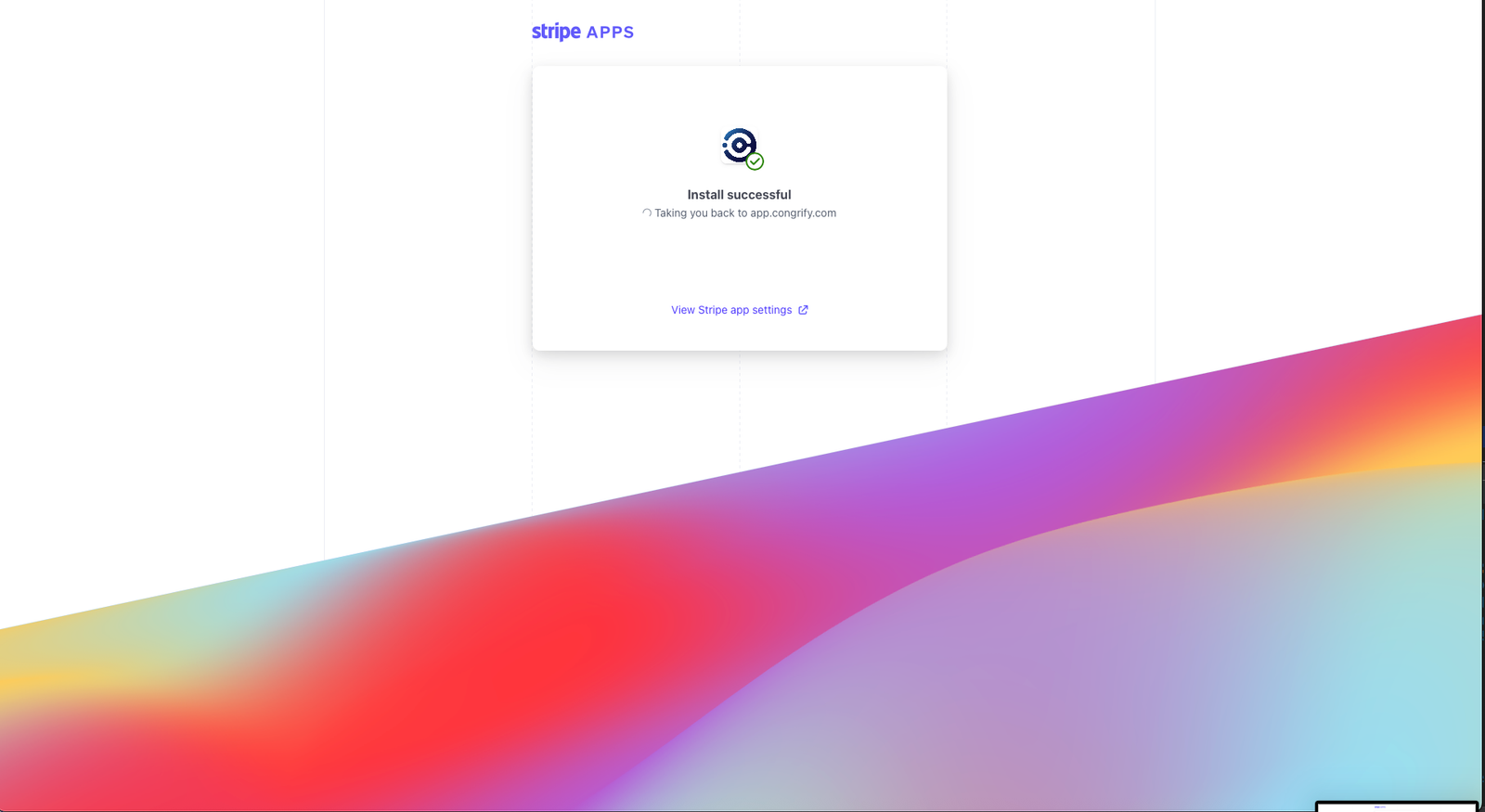
After installation, you’ll see a confirmation screen letting you know the setup was successful.

-
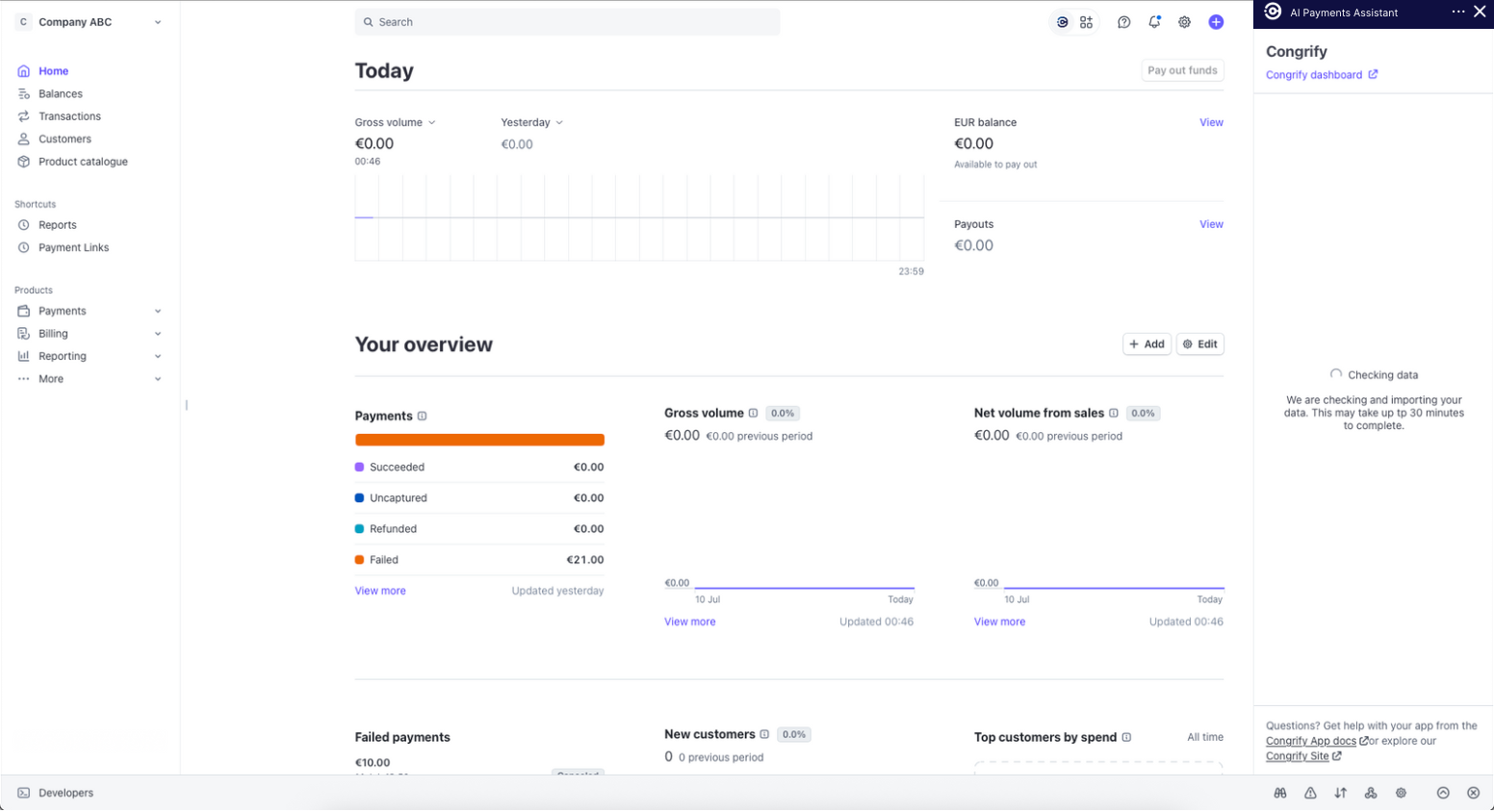
When you return to the app, you’ll see data syncing in progress. IXOPAY Payments Intelligence will securely import the last 30 days of your Stripe data, which may take up to 15–30 minutes.
-
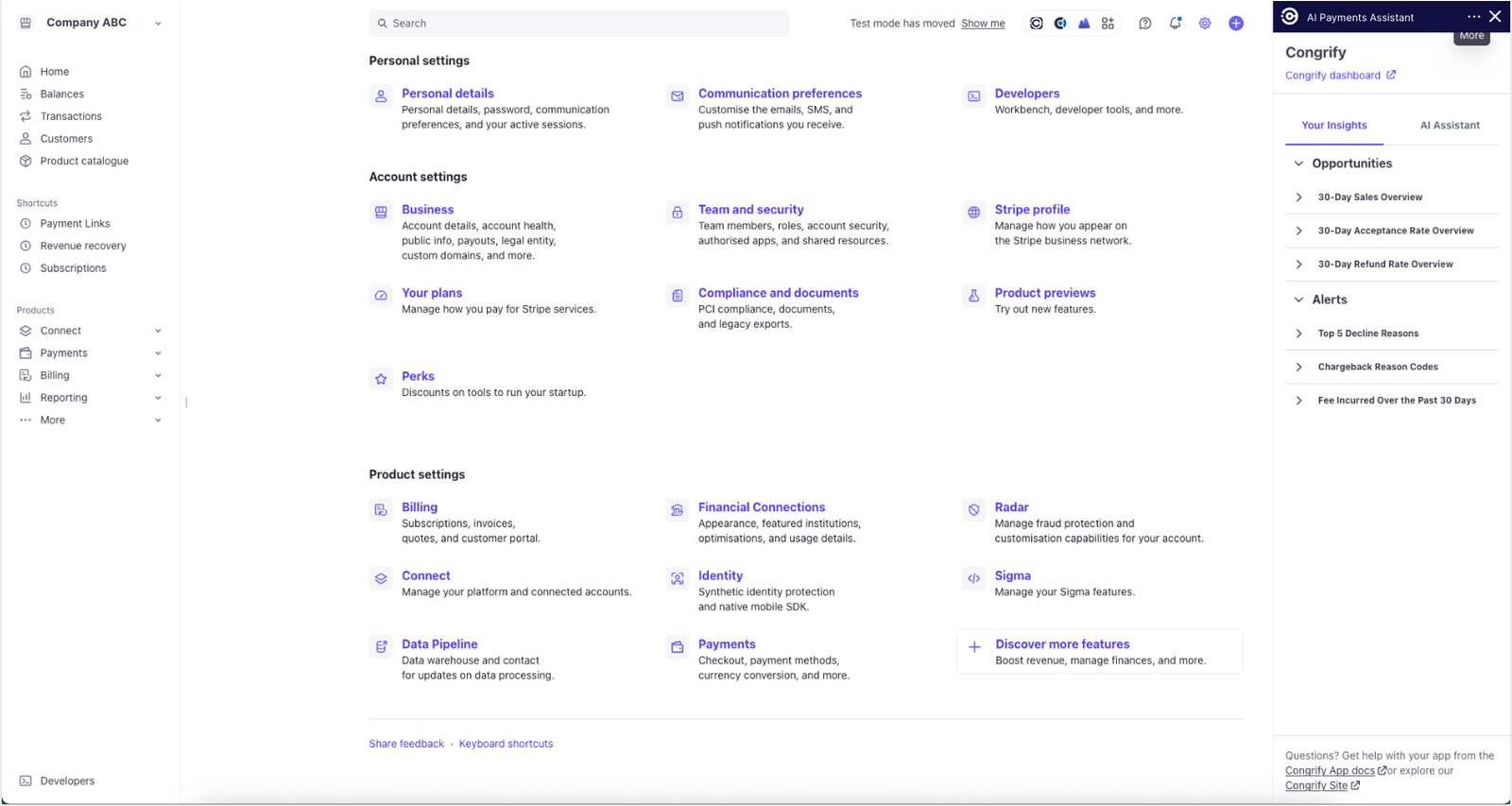
After synchronization finishes, the app will display two tabs: Your Insights and AI Assistant.
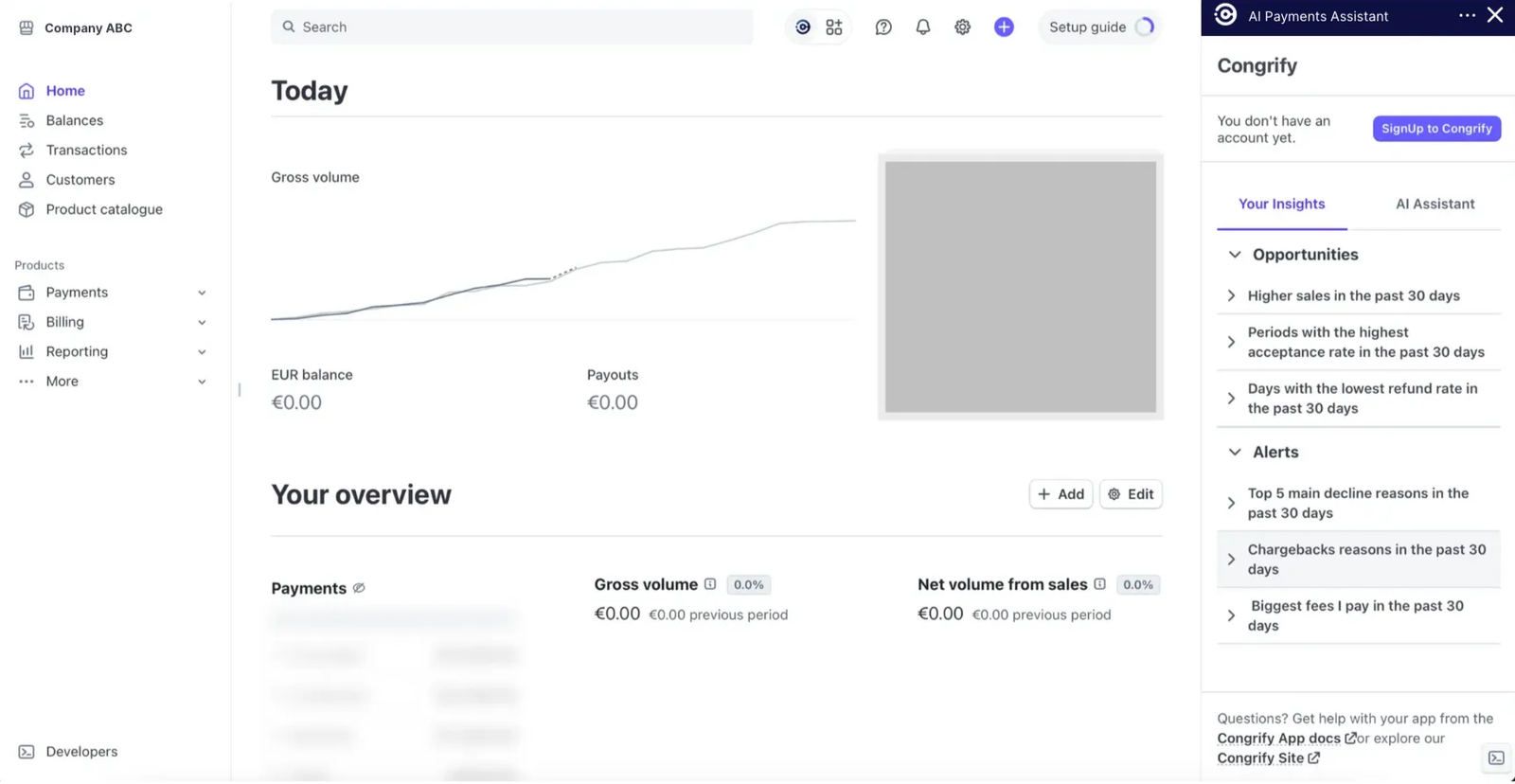
-
Click any item in Your Insights to get an AI-powered analysis of your opportunities, complete with visual charts and a detailed explanation.
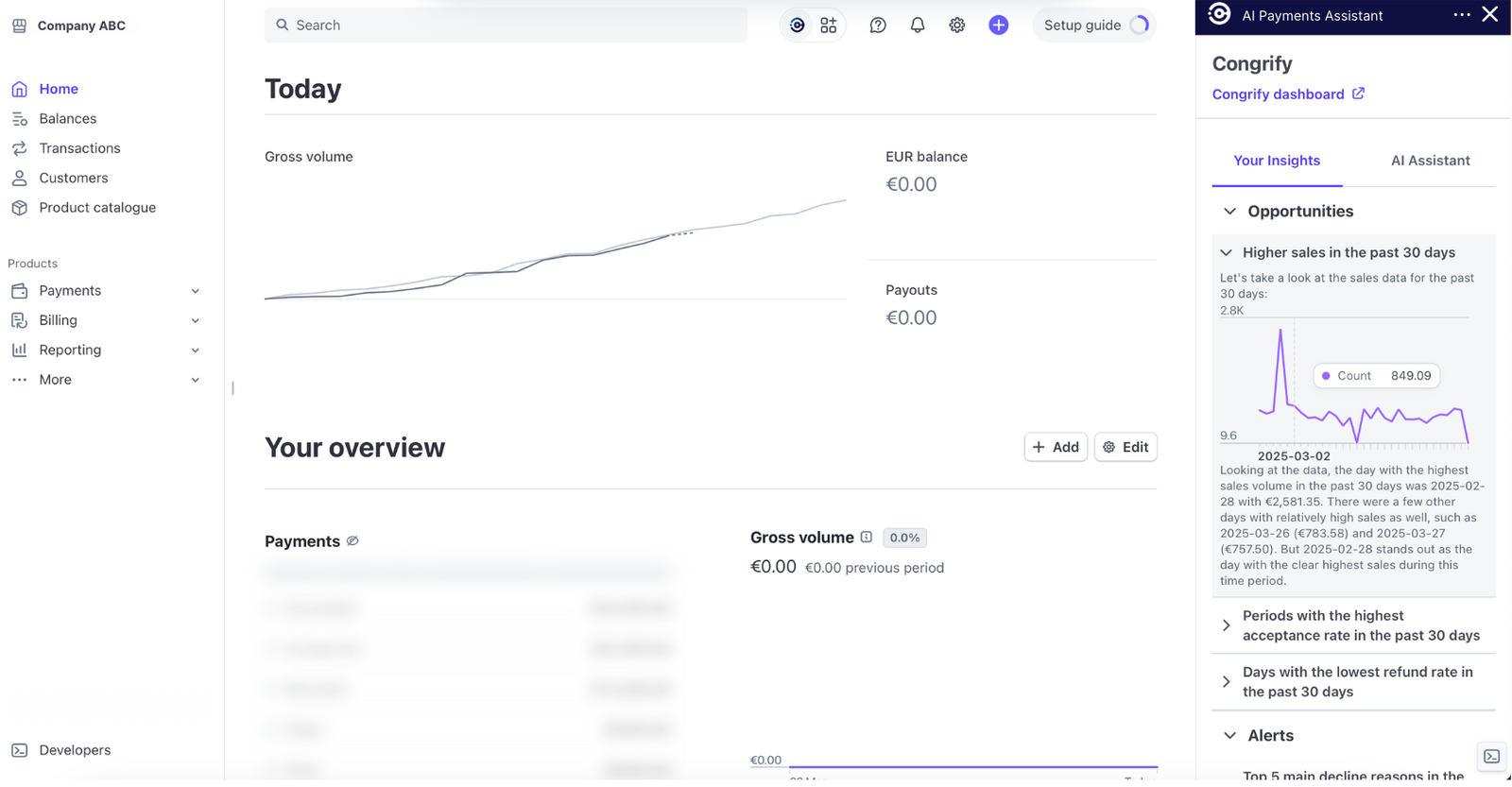
-
Open the AI Assistant tab to chat with IXOPAY Payments Intelligence’s AI and ask questions about your payment performance on Stripe.
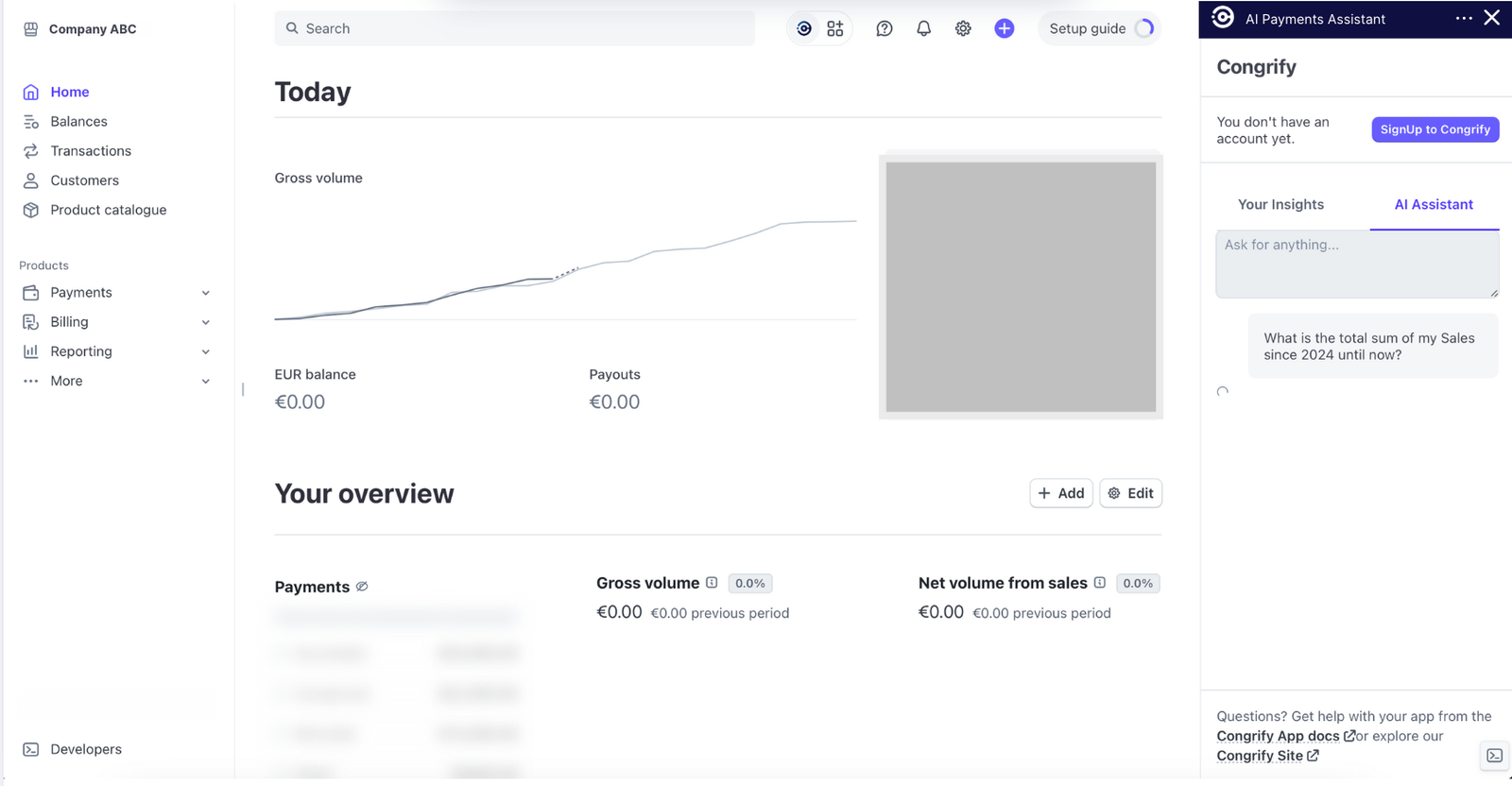
-
The AI Assistant offers a limited number of interactions before guiding you to continue your analysis in IXOPAY Payments Intelligence’s portal. After the initial app registration, click Complete Registration to finish setting up your account.
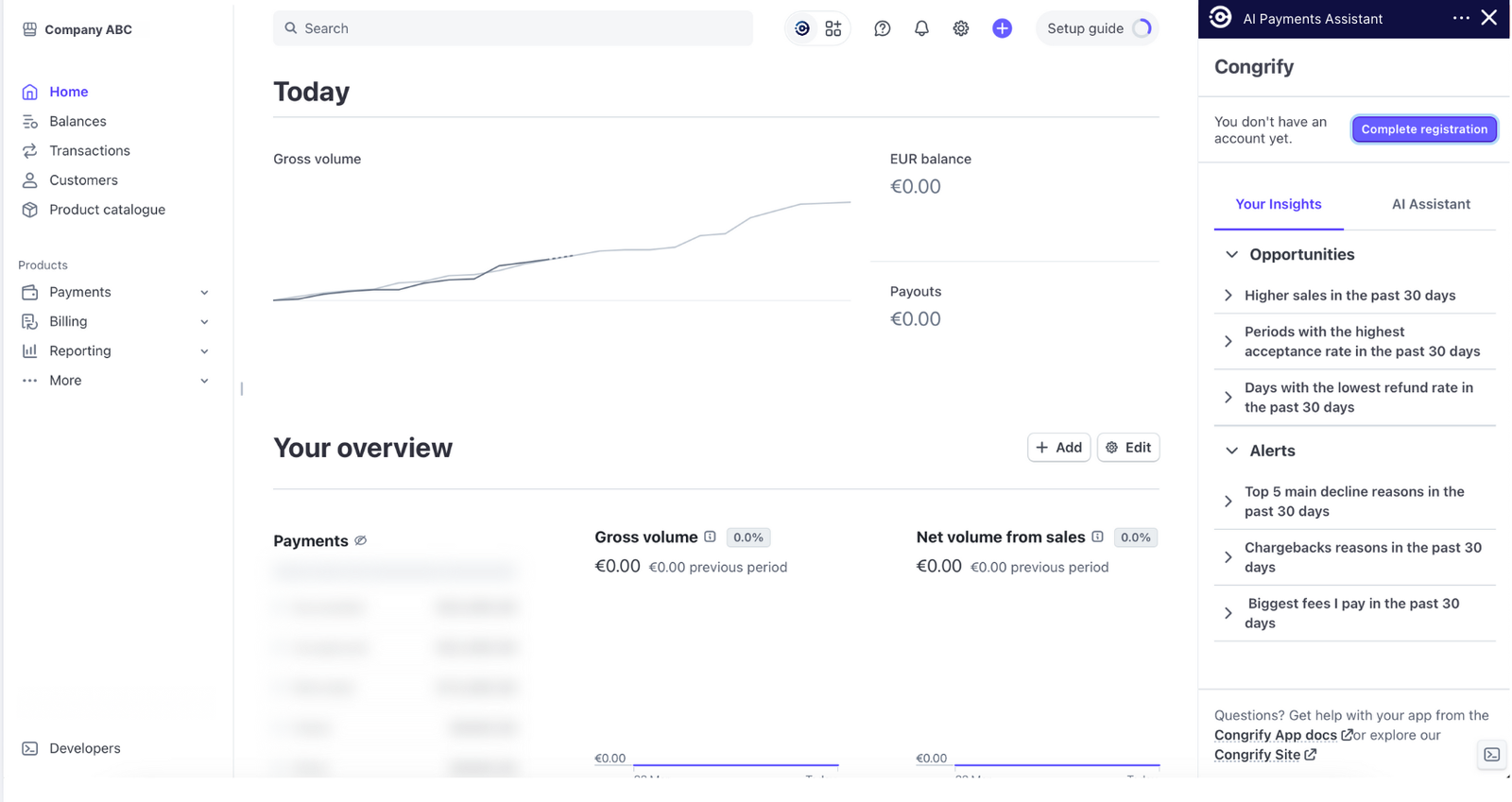
-
To finish registration, simply enter your first and last name and create a password for IXOPAY Payments Intelligence’s web portal. Once complete, you can access the portal anytime—either through the Stripe app or directly at app.congrify.com.

-
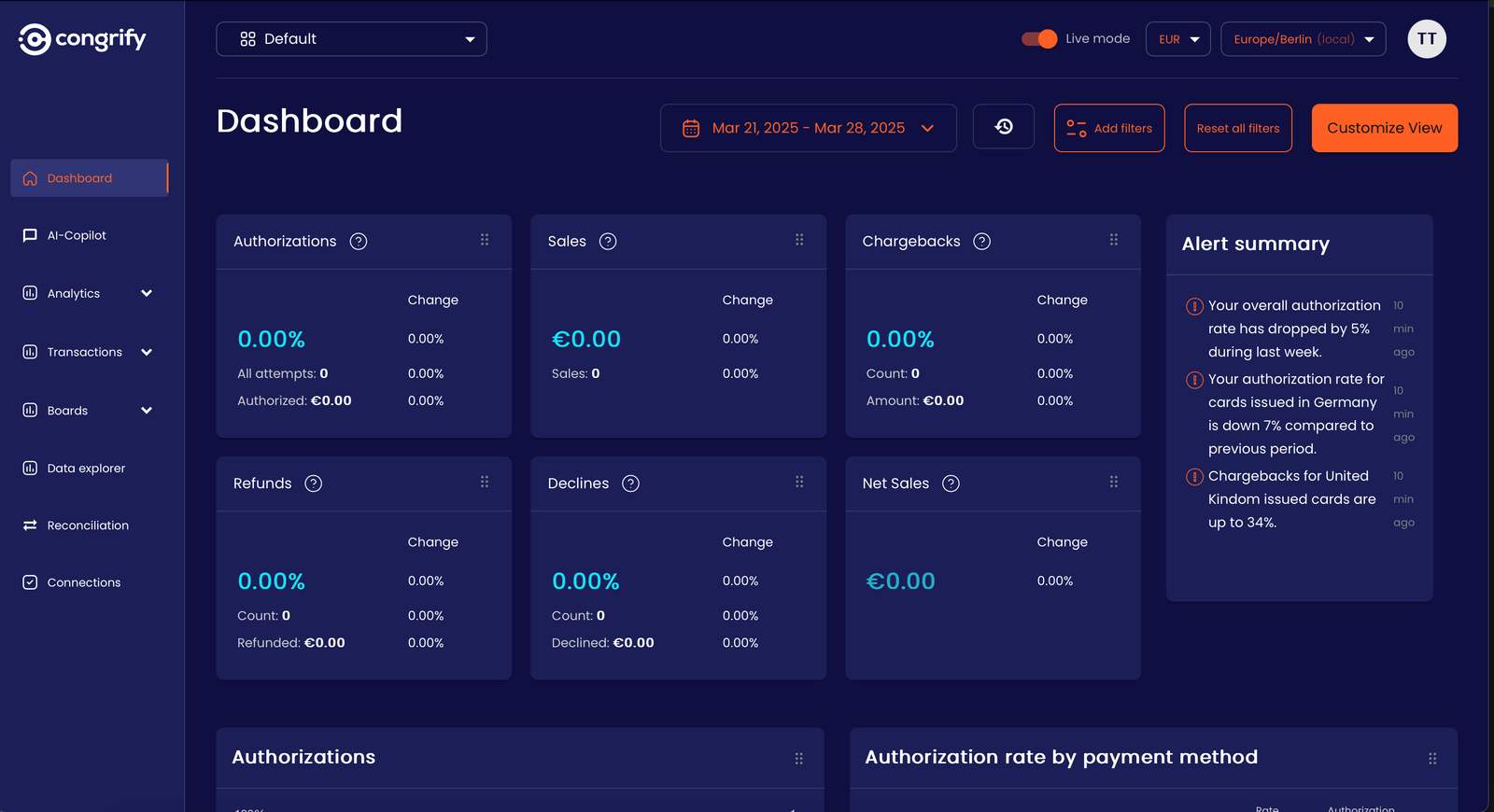
Once registered, you’ll have full access to IXOPAY Payments Intelligence’s portal, where you can continue using the AI Co-Pilot to analyze your Stripe data and receive personalized recommendations to optimize payment performance. Here, you can also dive into IXOPAY Payments Intelligence’s advanced observability and intelligence tools—including extensive analytics, real-time alerting, data exploration, and monitoring capabilities. Simply choose the plan that best fits your business needs.
Uninstalling flow
-
Click the three dots next to the Congrify Payment Assistant app name and select View App Settings.
-
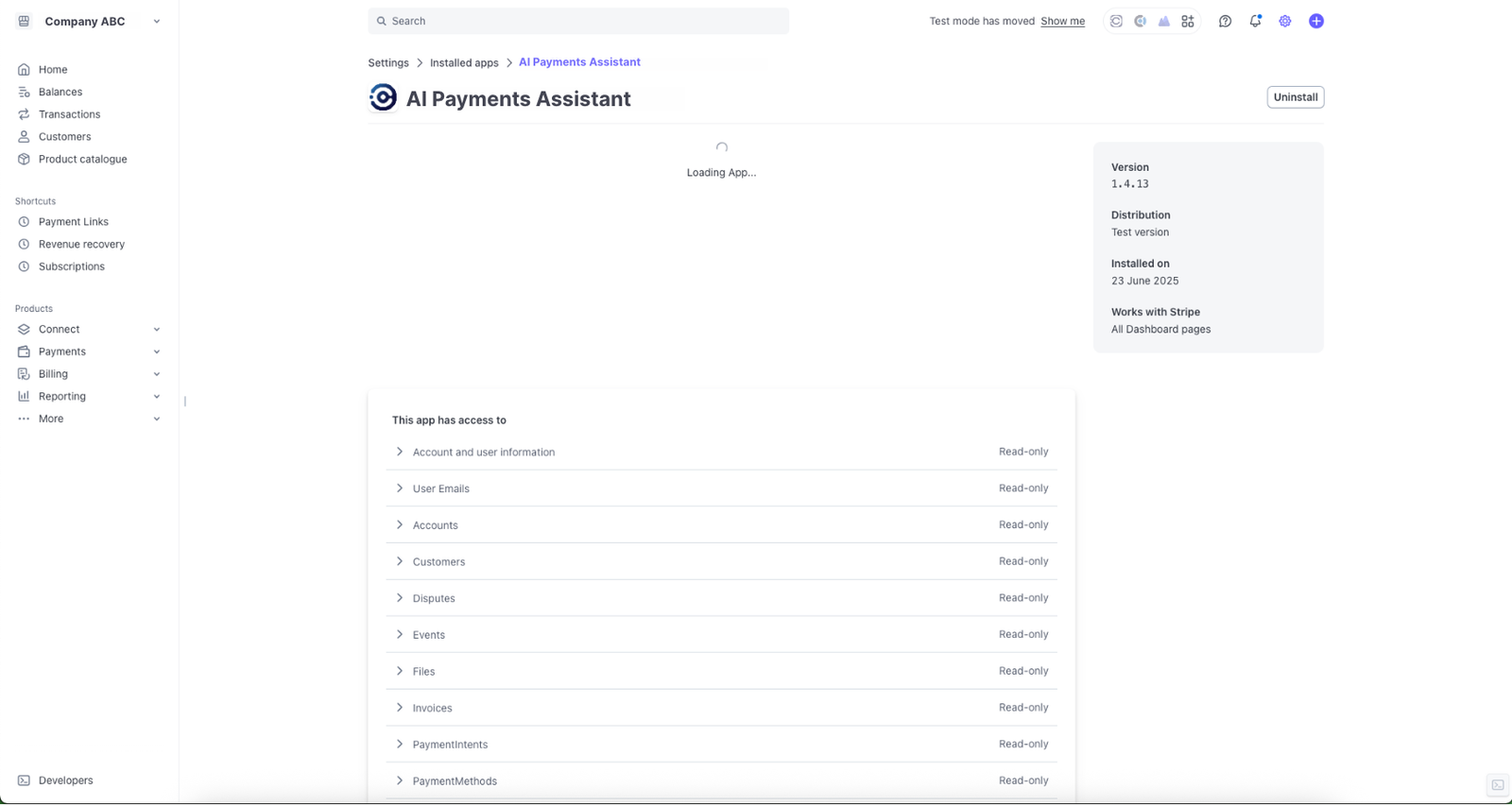
Click Uninstall to remove the app.
-
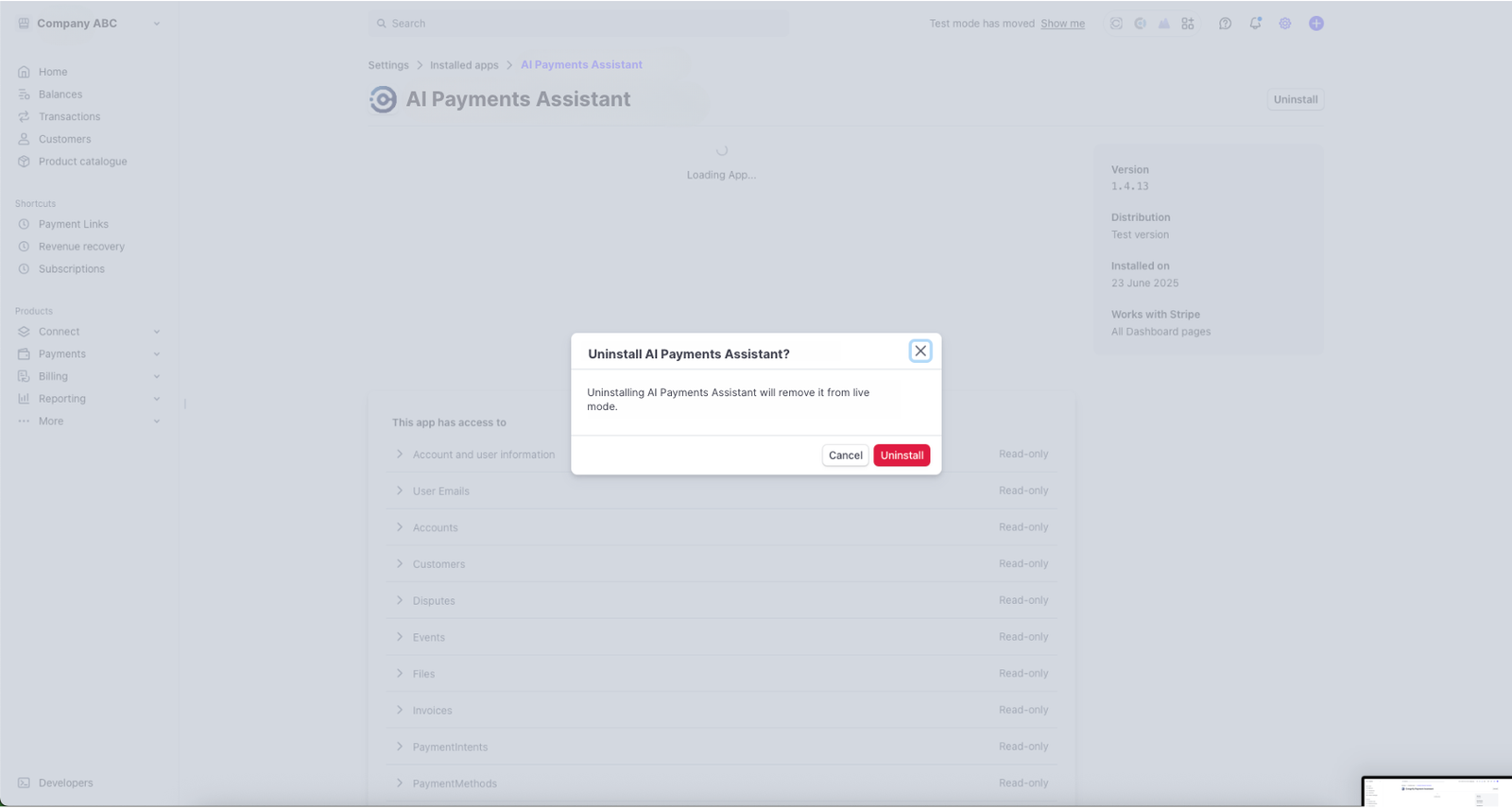
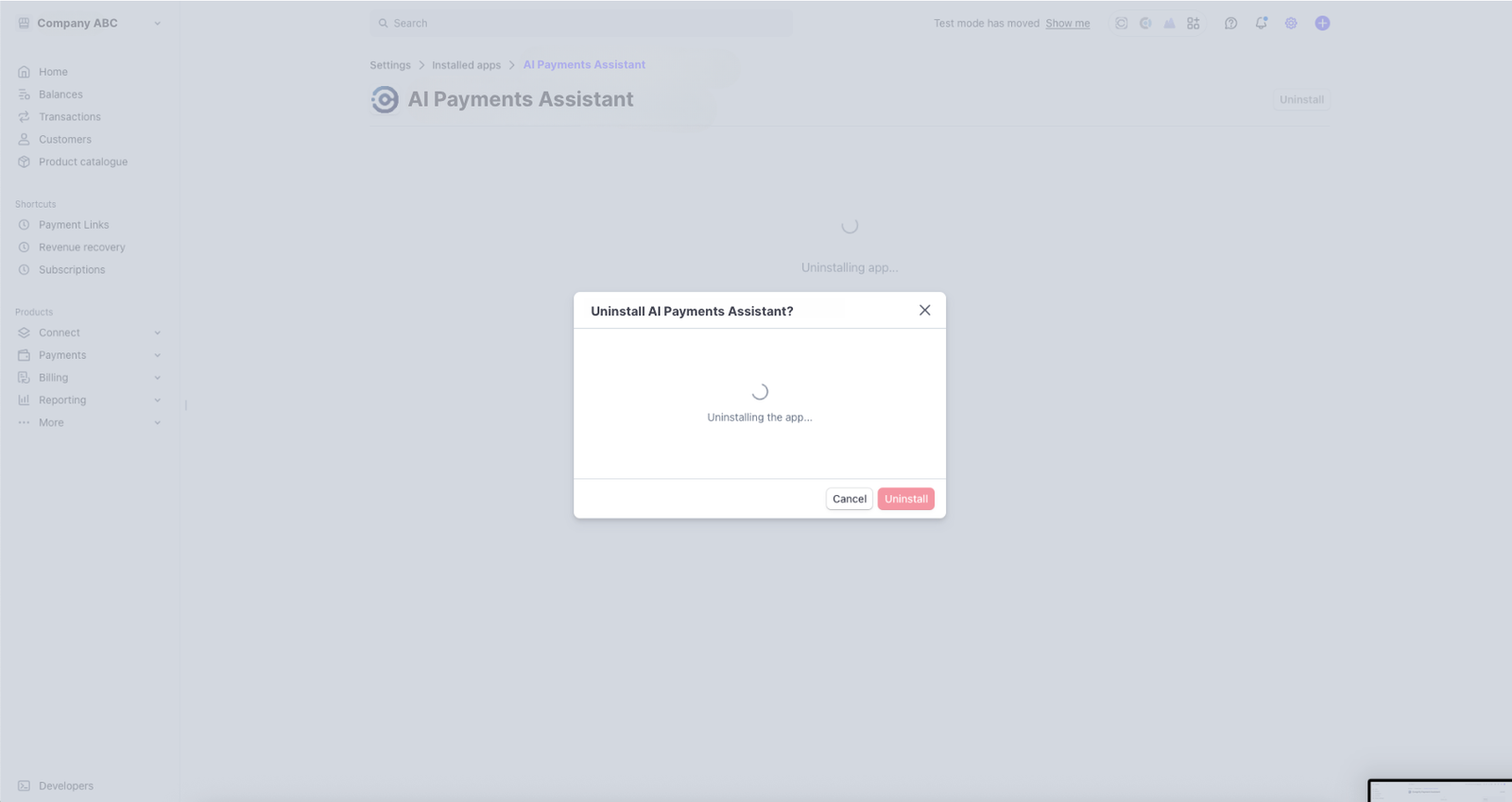
In the pop-up menu, confirm by clicking Uninstall again.
-
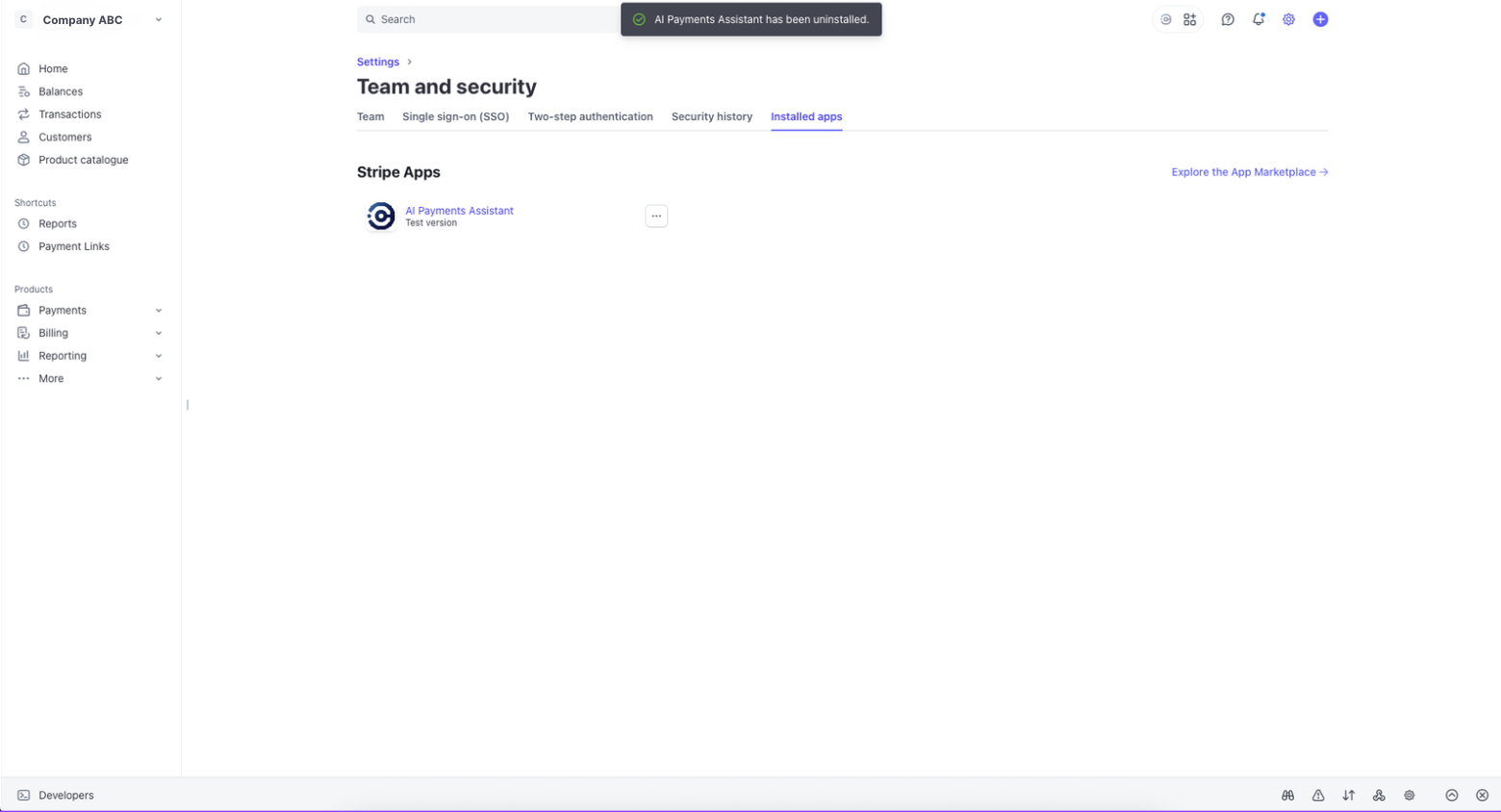
A confirmation message will appear once the app is uninstalled.
-
If you’ve created an account in the IXOPAY Payments Intelligence portal, contact our Support Team in the IXOPAY Customer Experience Portal to request its deletion.