Pause, Continue, Retry or Cancel Schedules
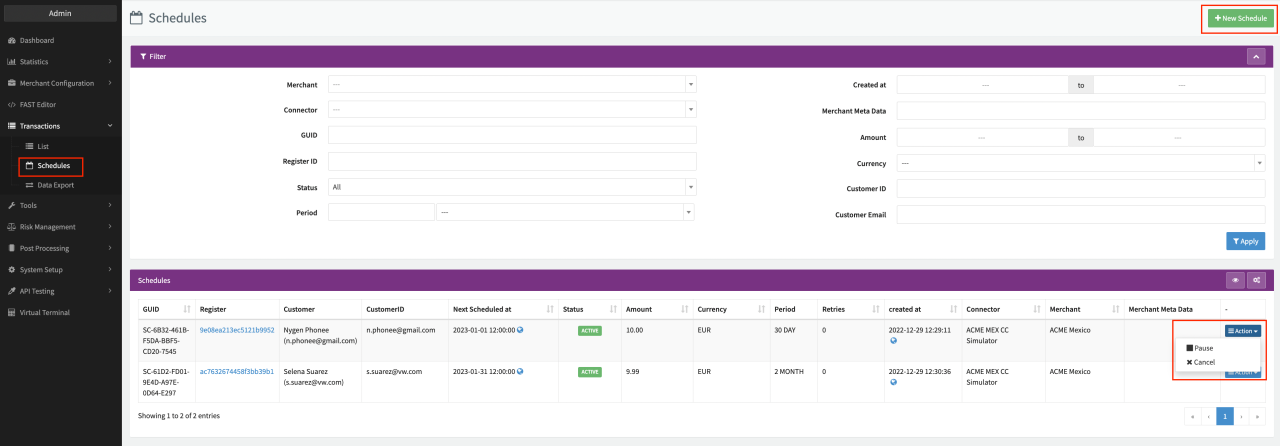
You can pause, resume, cancel or retry existing schedules using the Actions drop-down in the Schedules Overview.
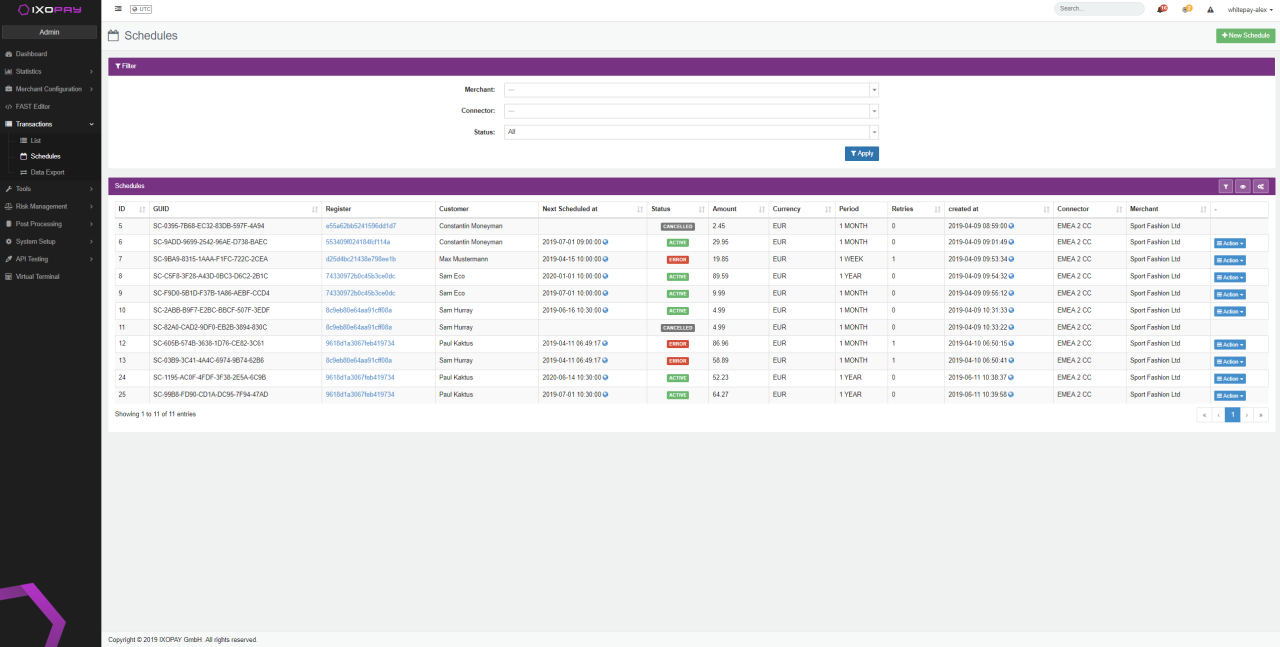
- Navigate to the Schedules Overview
- If needed, Filter the Schedule Overview to narrow down your results
- Depending on the Schedule Status following Actions are available using the Actions drop-down:
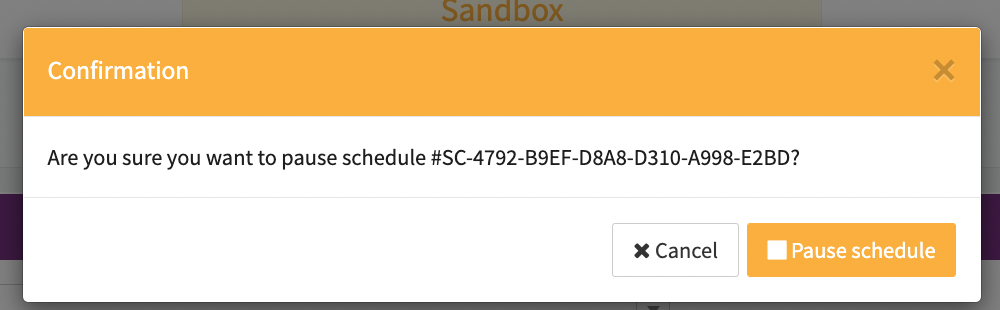
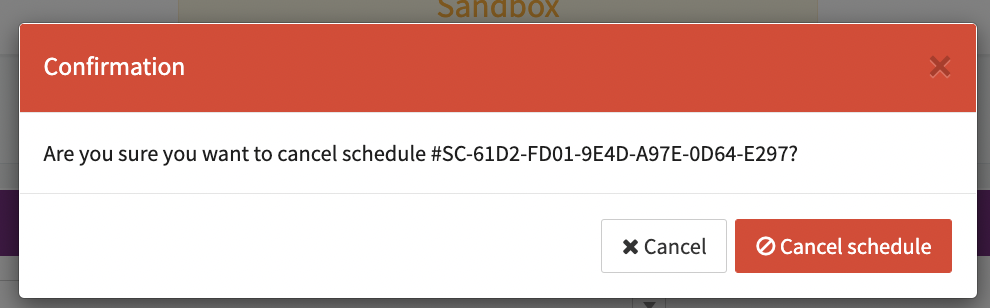
- Active: pause or cancel
- Paused: continue or cancel
- Error: retry or cancel
- Cancelled : No Actions are available
tip
Only Active schedules can be paused, only Paused schedules can be continued and only Error schedules can be retried. Continuing or retrying a schedule sets the ContinueDateTime, the new Start Date Time for schedule interval and calculation basis for the next recurring debit (follow-up transaction).