Transaction Tags
note
Please contact your Customer Success Manager or our Support Team in the IXOPAY Customer Experience Portal to setup tags in your configuration.
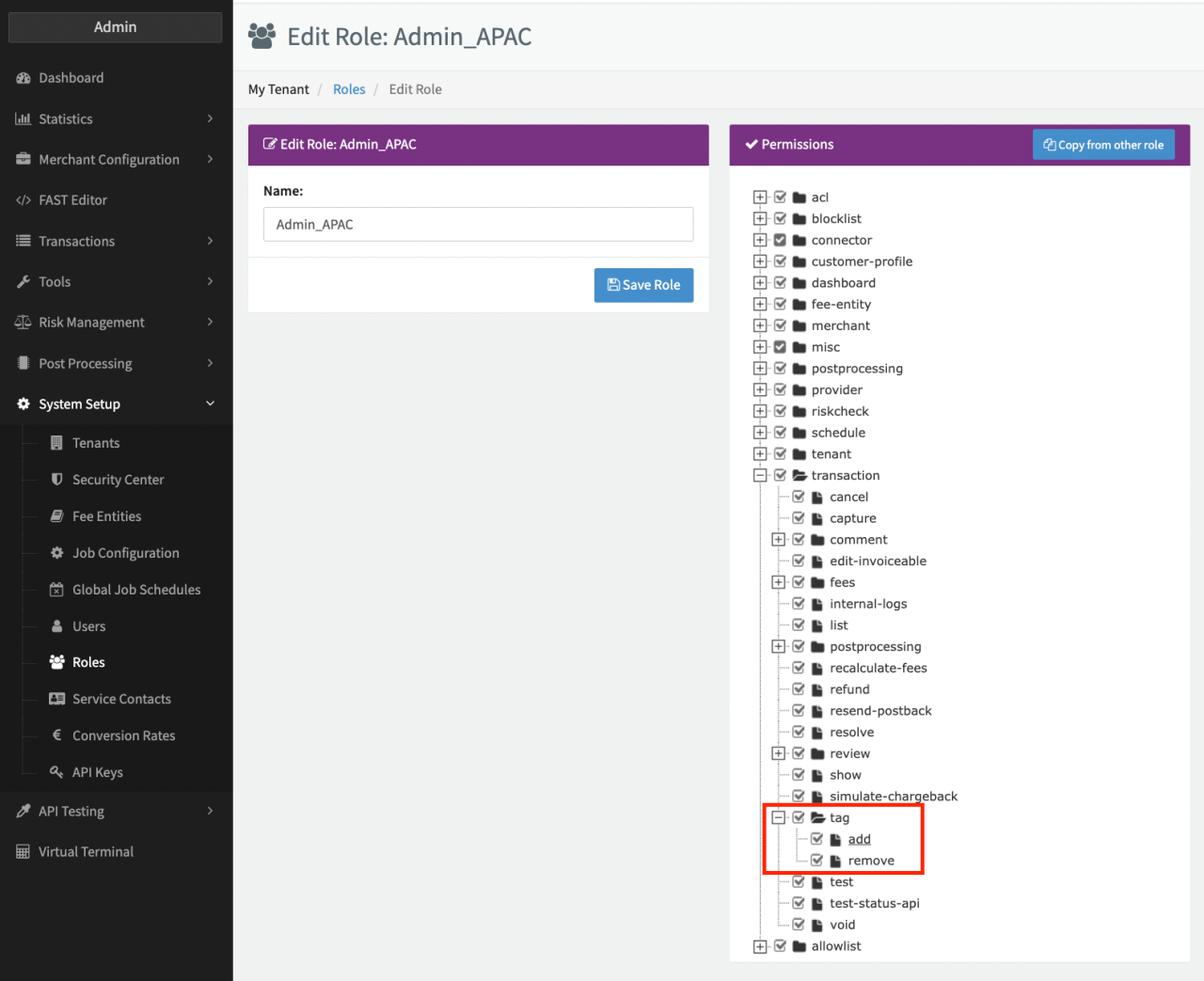
Once enabled, you can give Roles the permission to add and remove Tags to Transactions (see Permission tag). This can be done in the Transaction Details under the Transaction Data Section.
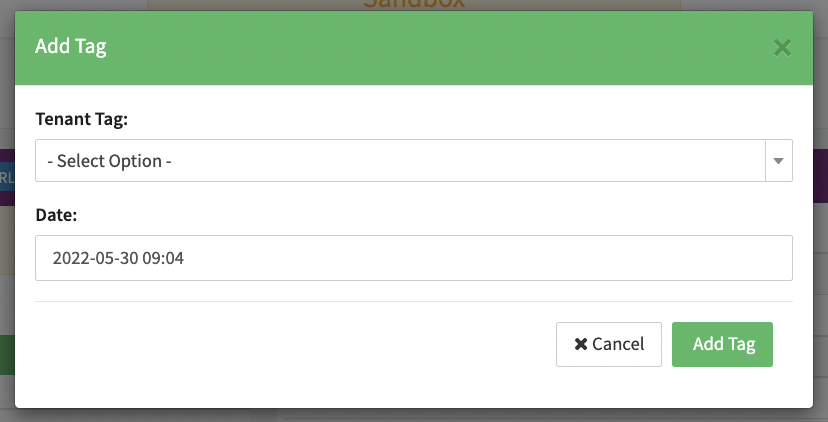
- Click Add Tag (see Adding Tag)
- Select fraud in the dropdown selection for Tenant Tag (see Adding Fraud Tag)
- Click Add Tag
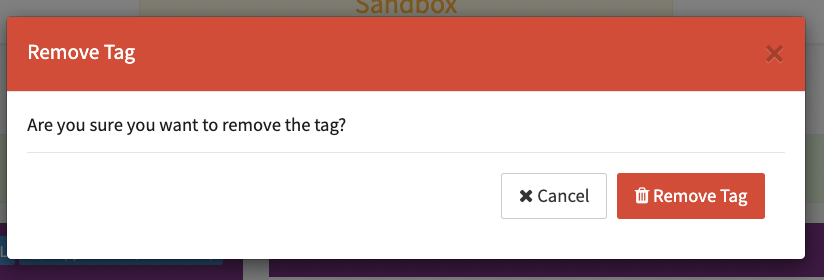
The fraud tag will show up in the Transaction Details (see Fraud Tag in Transaction Details) and can be removed by clicking the x directly on the Tag and confirming the removal (see Remove Tag Confirmation).


note
At the moment only the fraud tag is available.