Capture/Void
Void Transaction
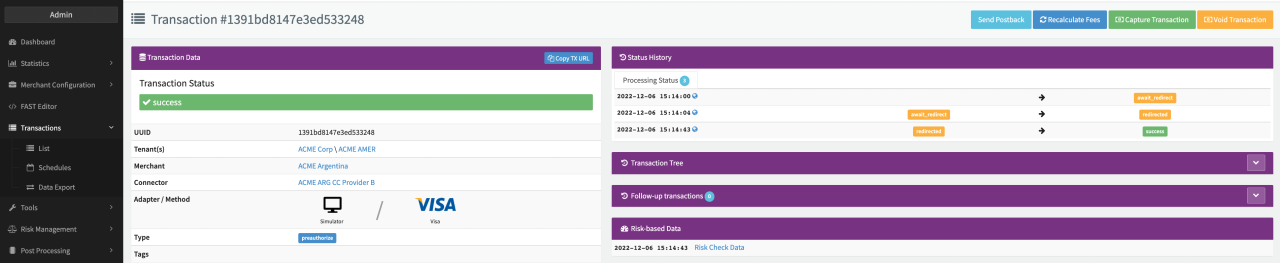
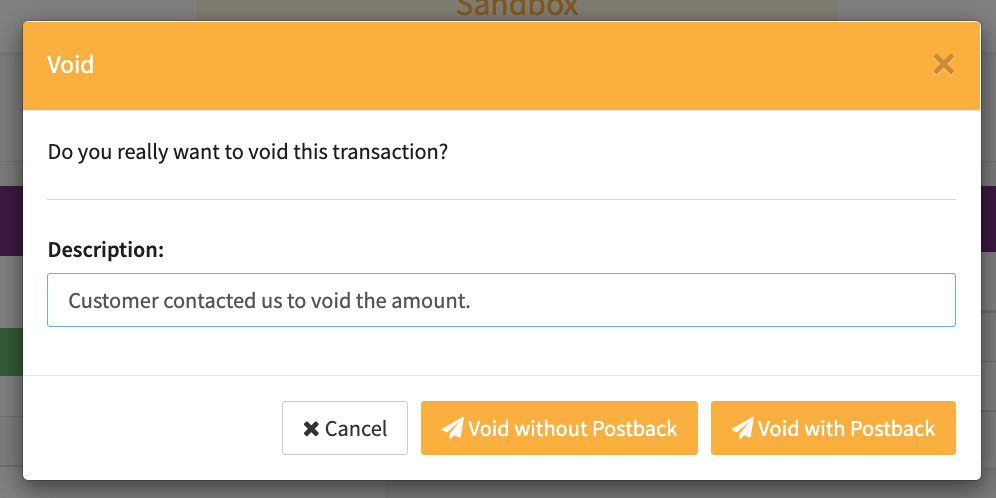
Depending on the given Permissions and prerequisites, Users can void transactions manually (e.g. in case a customer get directly in contact with customer support). This can be done by using the Void Action Buttons in the Transaction Details.
To void a Transaction, the Transaction has to fulfill some conditions:
- The Transaction Type has to be Preauthorize
- The Transaction status has to be success
- The Transaction must not be captured or voided already
- The Connector must support Transaction Type Void
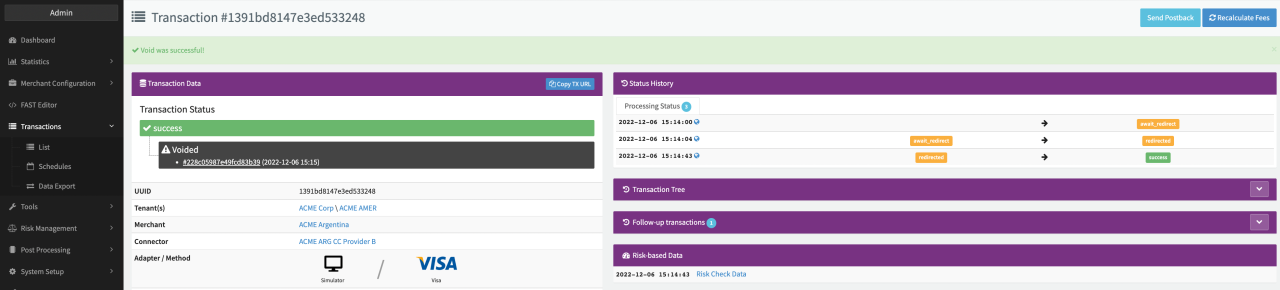
Once confirmed the Void Transaction will be created and shown in the Transaction Status of the original Preauthorize Transaction.
(Partial) Capture Transaction
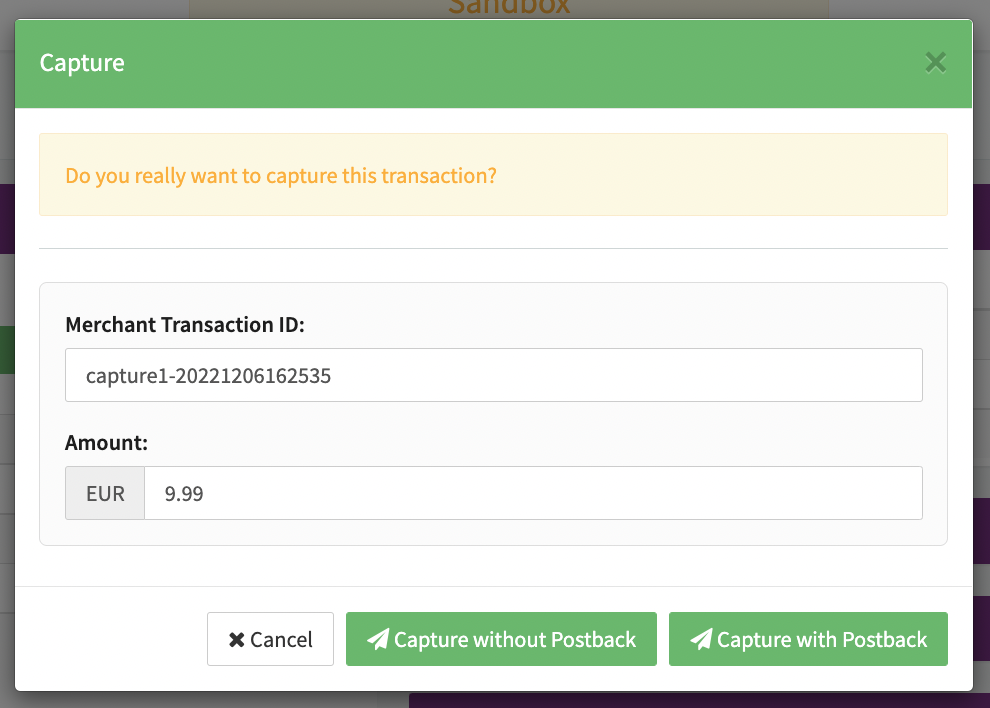
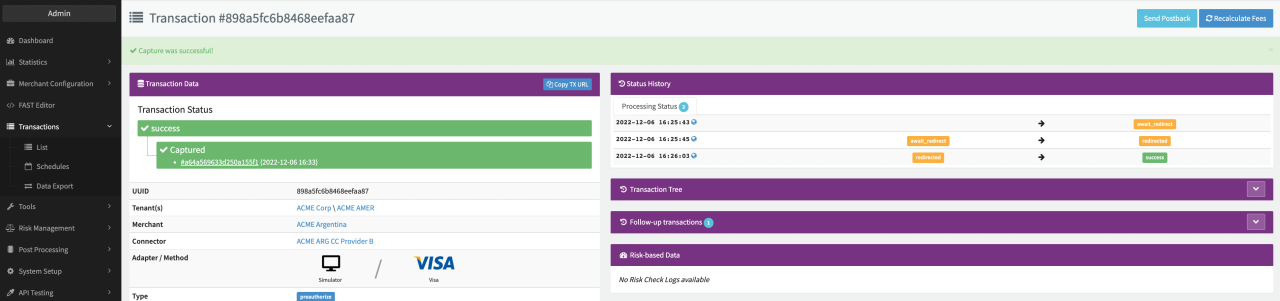
Depending on the given Permissions and prerequisites, Users can (partially) capture transactions manually. This can be done by using the Capture Action Buttons in the Transaction Details.
To capture a Transaction, the Transaction has to fulfill some conditions:
- The Transaction Type has to be Preauthorize
- The Transaction status has to be success
- The Transaction must not be captured or voided fully already
- The Connector must support Transaction Type (Partial) Capture
During Confirmation, the User can then change the Amount to perform partial captures. Once confirmed the Capture Transaction will be created and shown in the Transaction Status of the original Preauthorize Transaction.
(Partial) Capture and (Partial) Void Transactions can also be initiated via the IXOPAY platform's API Testing Tool, if the adapter supports these Transaction Types. In any case the Reference UUID must be provided. In case of Partial Void / Partial Capture, add the desired amount and currency, otherwise transactions will result in an error.
Keep in mind: Using the Connector Setting Postback: Send on capture and void (to preauth postback url) will overwrite the Action Option Capture / Void without Postback
Automatic Capture and Manual Capture / Void
The IXOPAY platform allows merchants to schedule future automatic captures for the full amount (successful) preauthorize transaction using either the captureInMinutes parameter (see also API Documentation) or Auto capture in days parameter (see also Virtual Terminal).
Merchants are allowed to manually capture or void an authorization with a future-scheduled automatic capture. However, doing so will result in the IXOPAY platform discarding any scheduled capture. In particular, if the merchant has only partially captured a certain amount manually, it remains his responsibility to manually capture the remaining amount.
The scheduled capture deadline cannot guaranteed due to technical or external circumstances (e.g. pending state on PSP's side,). It is the merchant’s responsibility to ensure that the future-scheduled capture does not happen after the authorization’s expiration on the PSP’s side.