Cancel/Resolve
Cancel Transaction
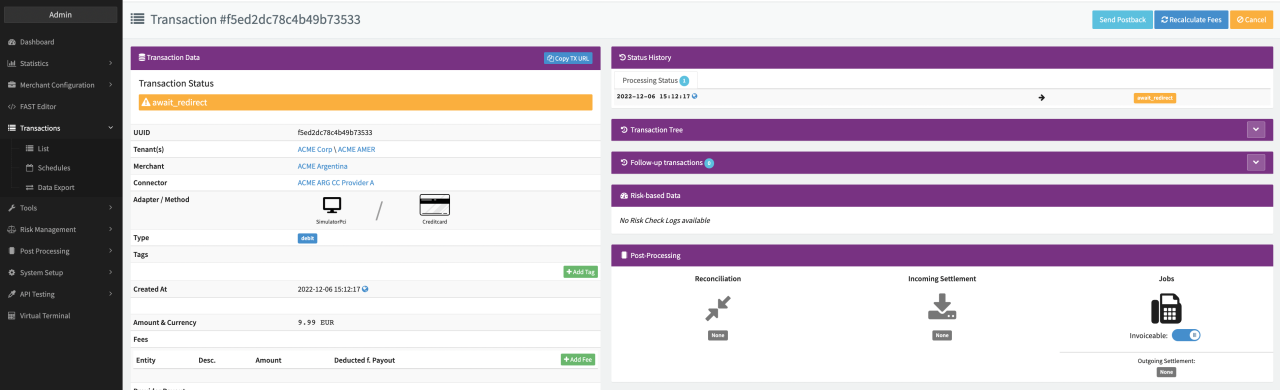
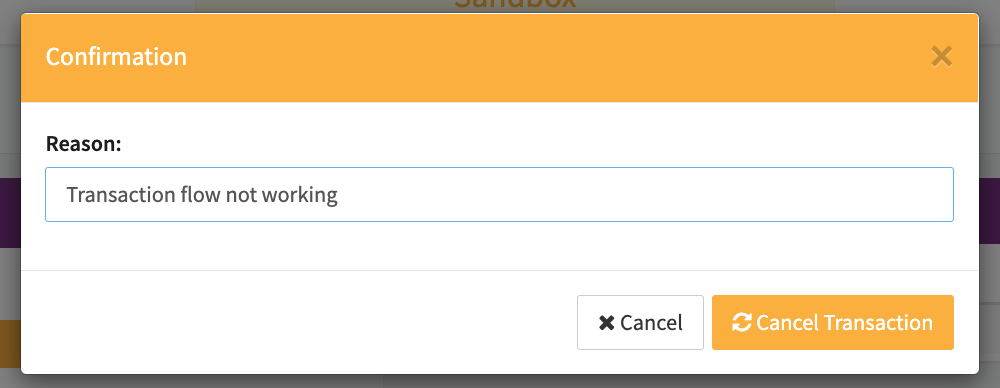
Depending on the given Permissions and prerequisites, Users can cancel transactions manually (e.g. in case a Transaction gets stuck). This can be done by using the Cancel Action Buttons in the Transaction Details.
To cancel a Transaction, the Transaction has to fulfill the following condition:
- The Transaction status has to be Open (except Pending_Postback)
Once confirmed the Transaction will be cancelled and shown as such in the Transaction Status.

Resolve conflicted Transaction
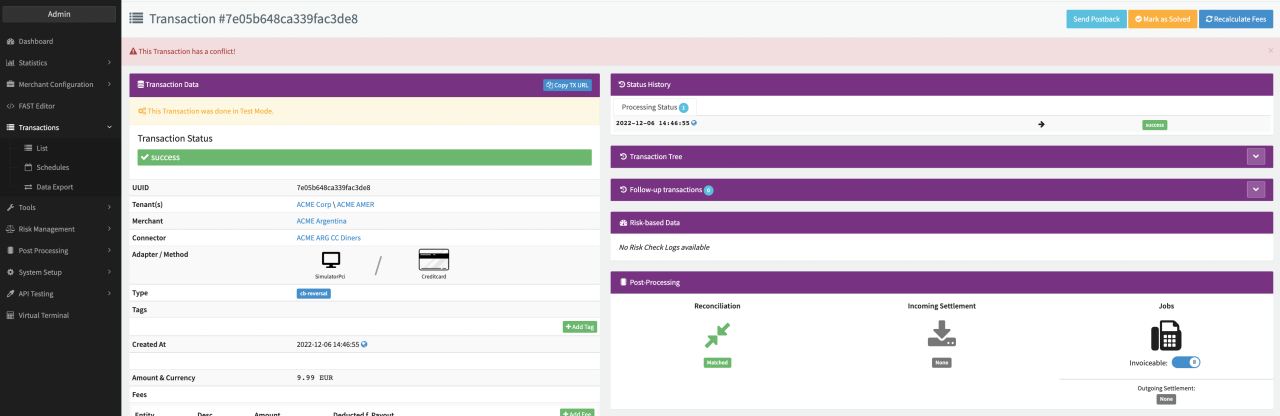
Depending on the given Permissions, Users can resolve conflicted transactions manually. Conflicts are raised by the system automatically in case of internal mismatch (e.g. Reconciliation or Settlement data does not match transaction data). This can be done by using the Resolve Action Buttons in the Transaction Details, once you clarified the conflict with your PSP / Acquirer.
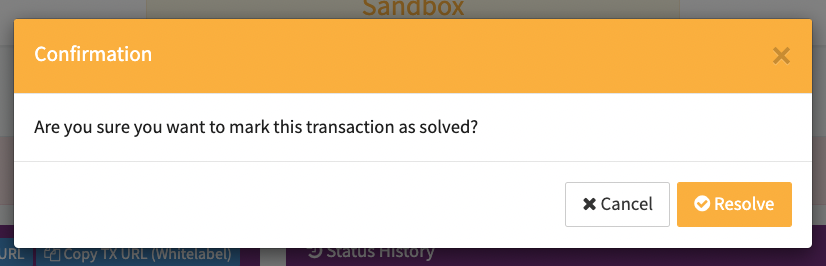
Keep in mind that no further action is initiated by system through resolving conflicts except marking conflicted Transactions as solved.