Blocklist Customer Data from Transaction list
Within the Transaction list a User has the opportunity to add Customer Data with one click to the Blocklist.
In order to do that, just follow these Steps:
Select the Transaction you want to take the customer data from and scroll down to Customer or Payment Data.
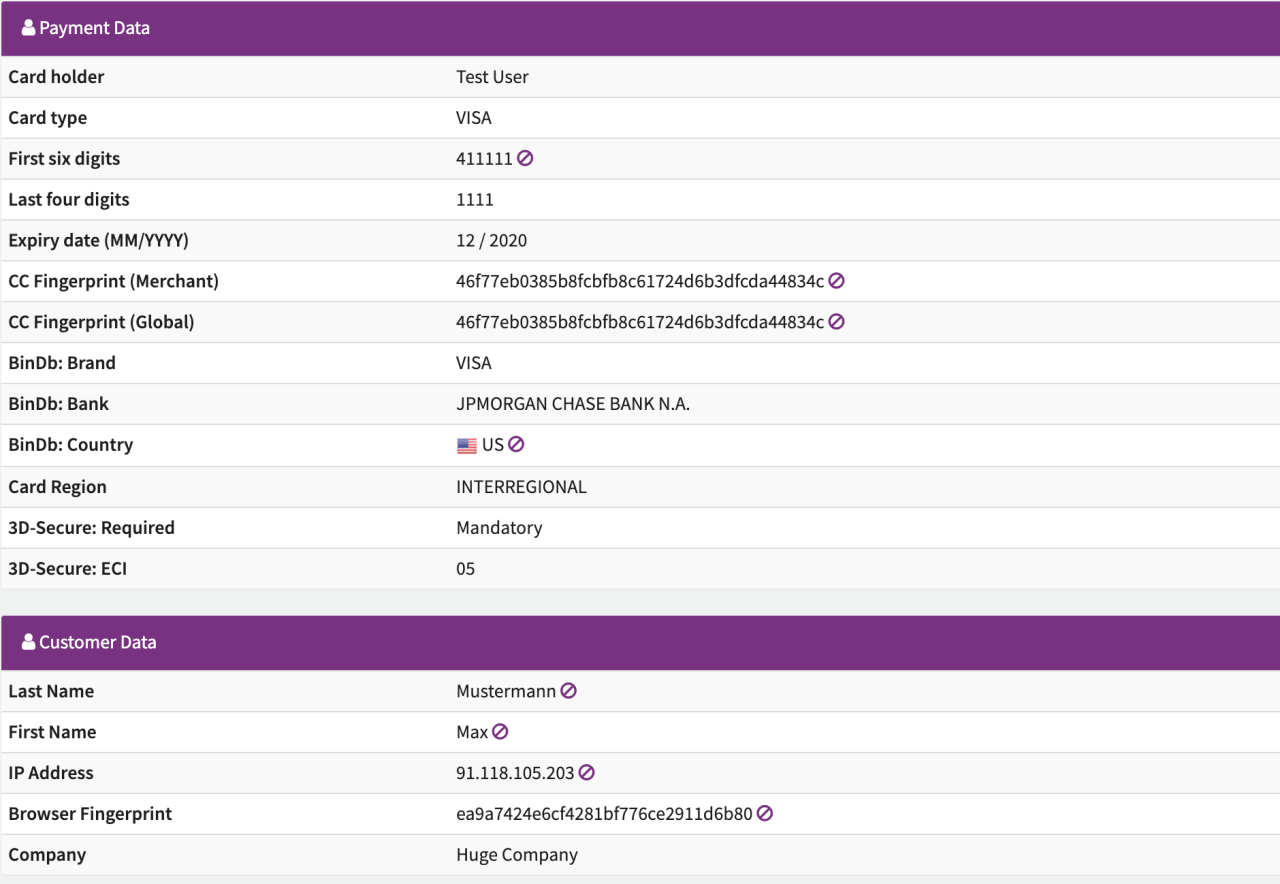
Next to some fields, there is a sign, which puts this field's data to the Blocklist.
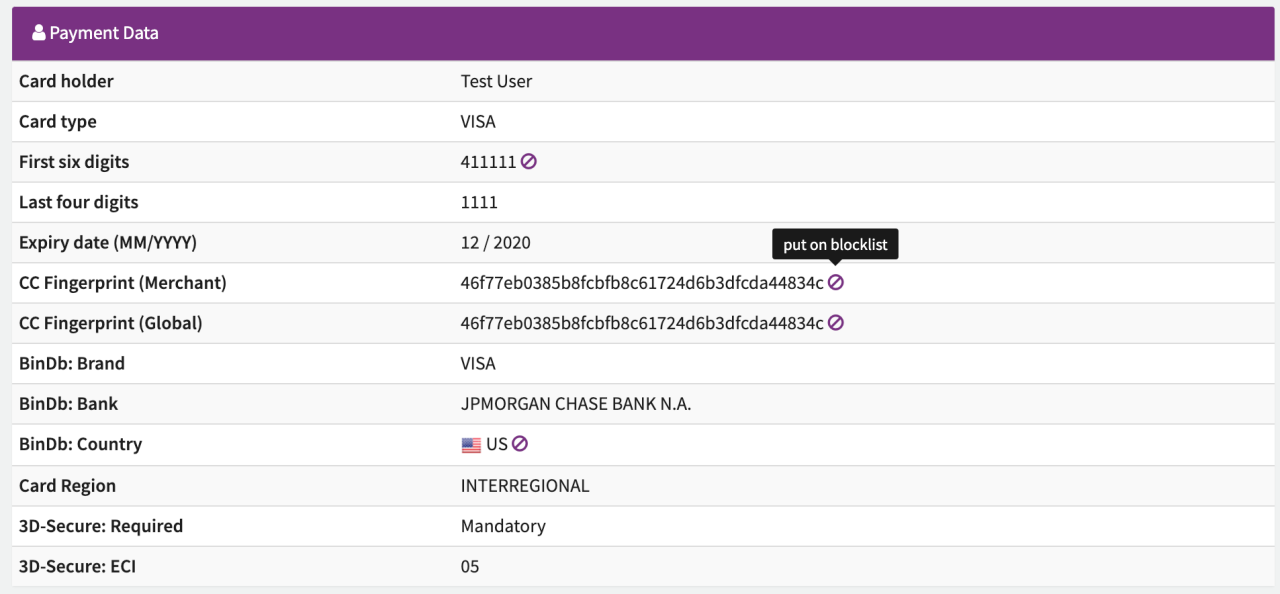
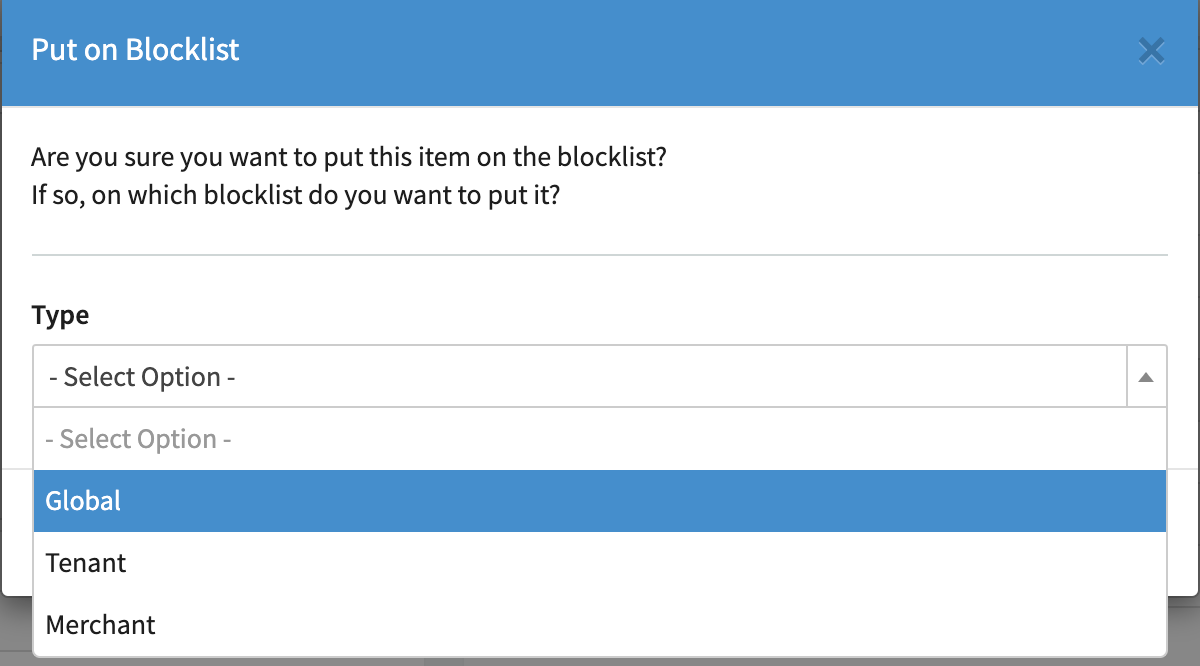
After clicking on the sign, the data will be saved as a new Blocklist item in your Blocklist. It may take several minutes until you can see it in your Blocklist.
note
Only the first six digits representing the BIN (Bank Identification Number) will be put on the Blocklist even in case of a 8-digit BIN.