Data Export Tool
Full version: not available for Starter and Growth clients
If you want to get access to all IXOPAY platform features you need to upgrade your plan. Please contact our Support Team in the IXOPAY Customer Experience Portal for more information.
Video: Export Transaction Data

Create and save your customized Transaction data reports.
Create and Export customized Reports
The IXOPAY platform enables you to create and export customized Transaction Reports, by following these steps:
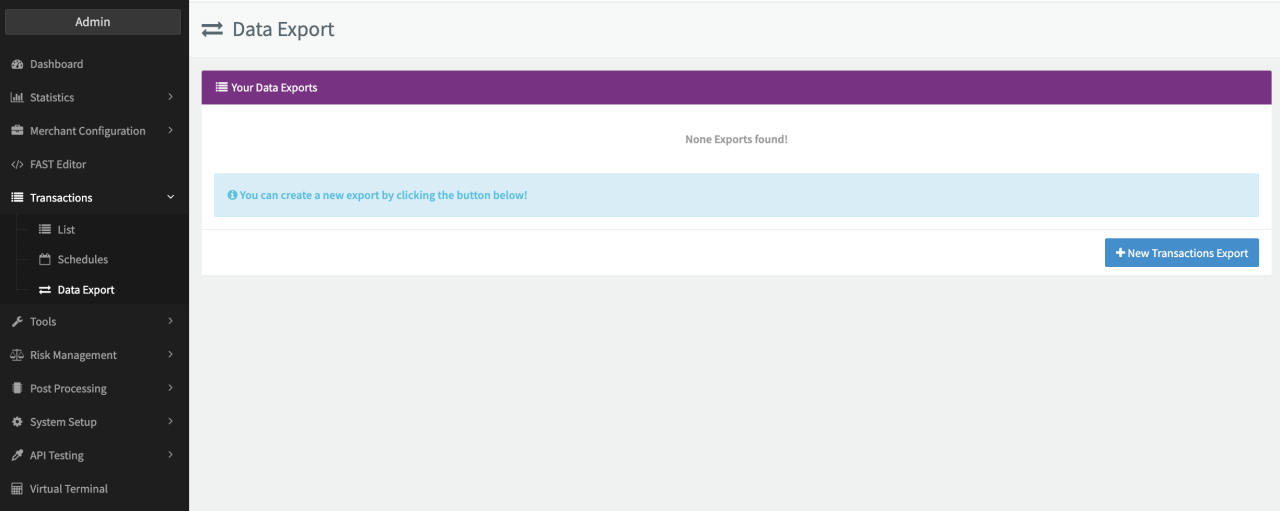
- Navigate to the Transactions section, sub-section Data Export.
- Click on + New Transactions Export
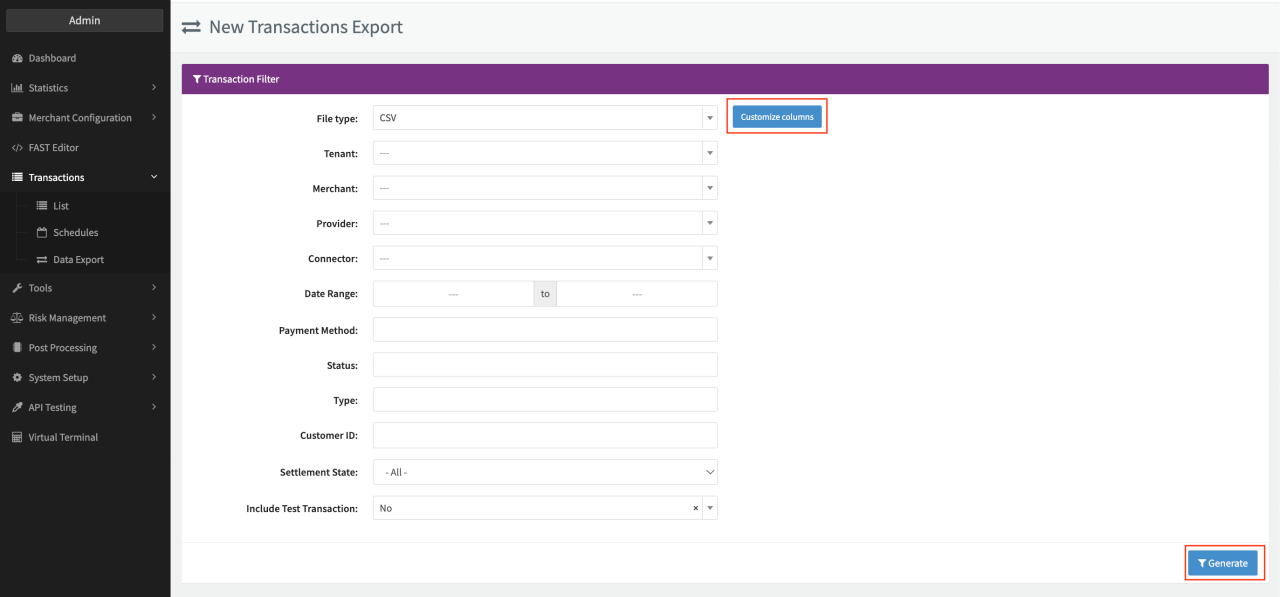
- Select the File Type and Filter your Transactions according to your requirements (at least one Merchant, Provider or Connector and a Date Range must be selected)
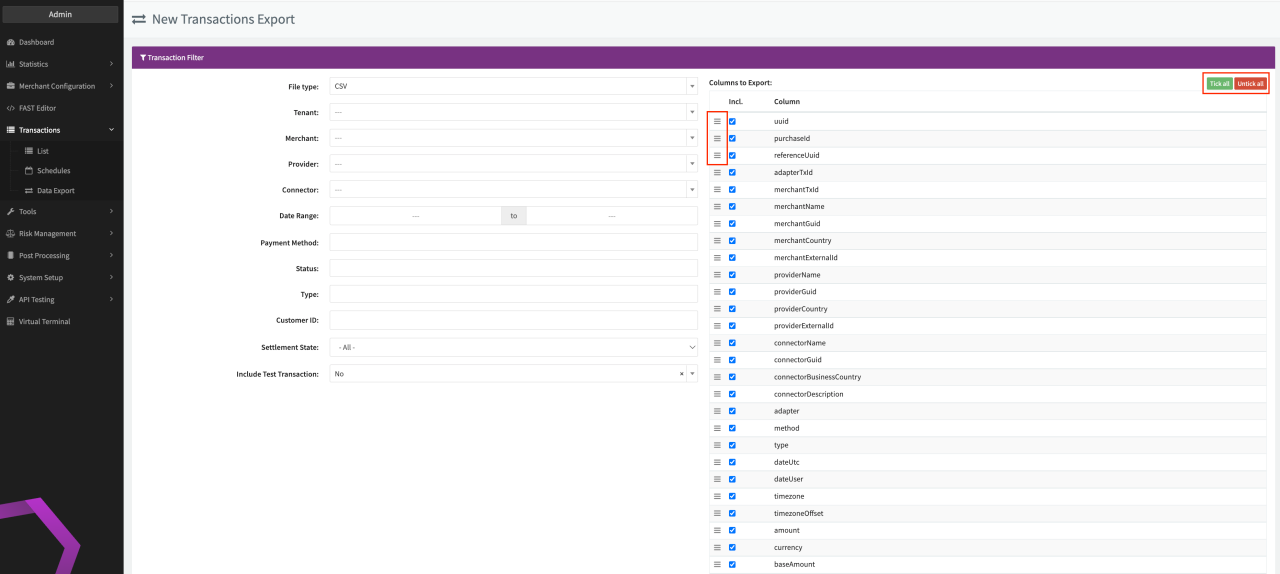
- Click on Customize Columns to tick/untick columns and rearrange the order of columns via drag and drop for the created Export
- Once finalized, click Generate for the requested Transaction Export to be created. The report will be in status Waiting depending on the amount of data to be collected (Up to 10 minutes, reports up to 10k Transactions are usually ready within 1 minute)
Refreshing the page is possible during generation and will show you processed percentage and count of rows. During generation you can cancel the Transaction Export anytime.
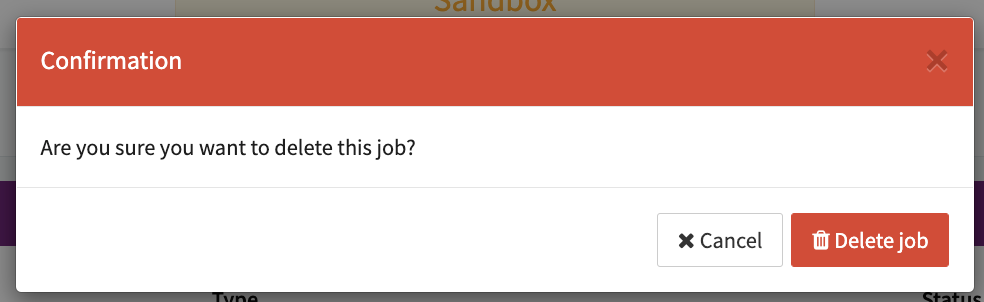
The customized Report will be shown in the Data Export Overview in status Done for Download in the selected data format or Deletion.



File retention
Files are retained for 12 months and permanently deleted thereafter.