Review List
The Review List allows your Risk Management teams to review transactions that require special attention as a result of checks against various risk profiles.
To review these transactions and determine how to handle them:
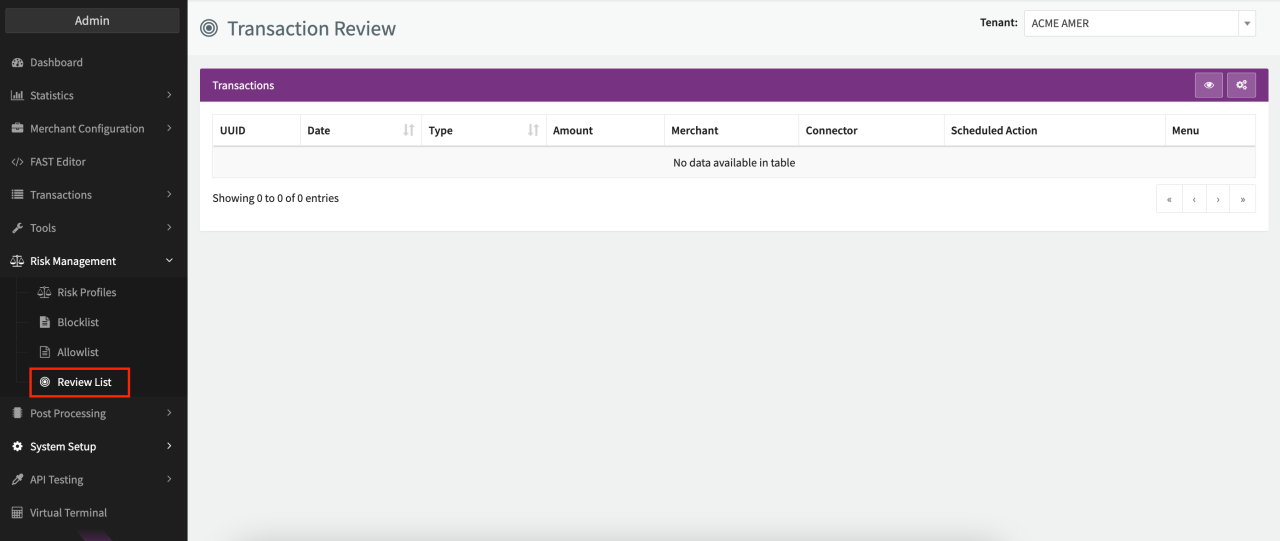
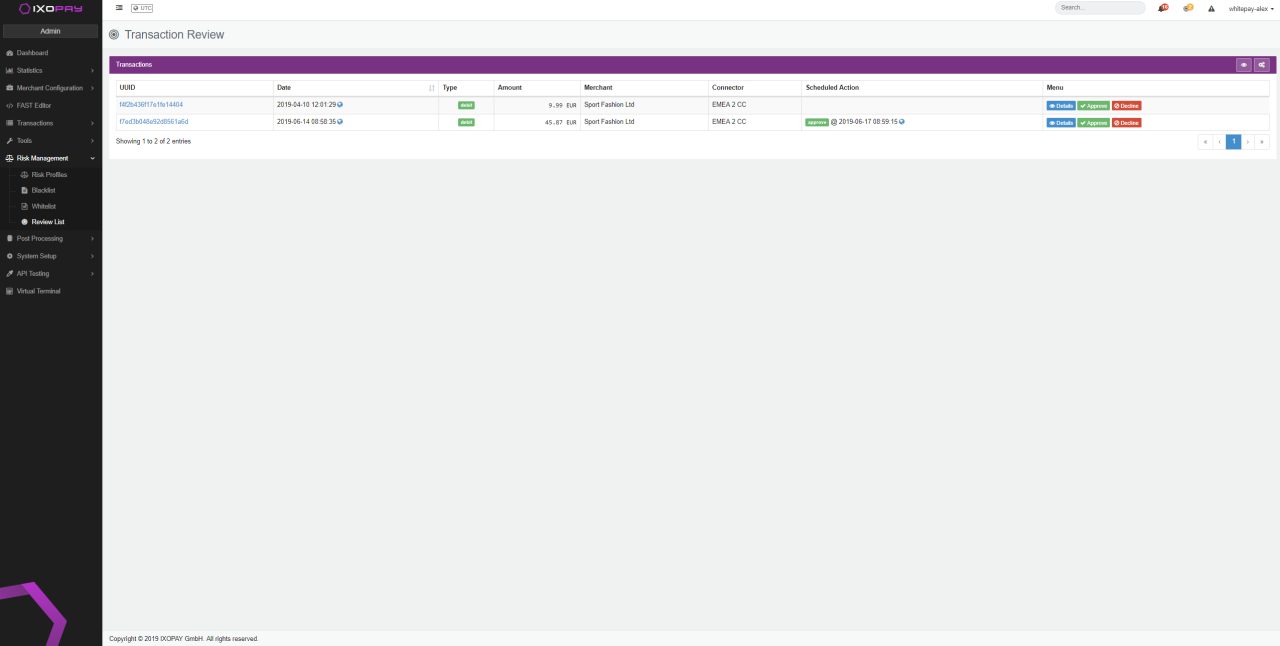
- Navigate to the Review List in the Risk Management section.
- Click on Details to review the transactions (the Transaction Details are opened).
Choose to either:
- Approve the transaction for processing
- Decline the transaction
note
Debit transactions set to manual review are split into a pre-auth and a capture/void transaction (depending on the action chosen) and are therefore counted as two separate transactions. This behavior does not apply to pre-auth transactions.
Automatic action after inactivity
Transactions that remain on the Review List without any manual action are automatically approved after 3 days by default. You can customize the delay and the action (approve or decline) per connector via the Risk Engine: Manual Review Delay connector setting.