Job Schedules
As described in the Post Processing Jobs section, in order to be able to execute a Job, based on a configured Job Type, you need to define a Schedule for the relevant entity.
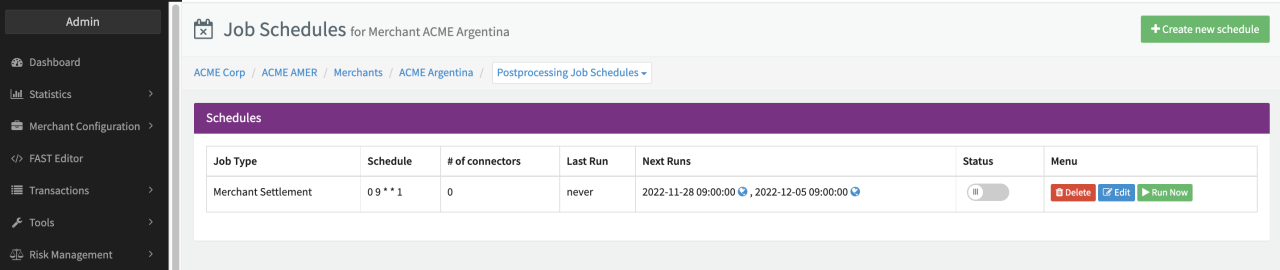
The Job Schedule section allows you to create and edit Schedules for Jobs on Merchant level. There are different options to navigate to the (Merchant) Job Schedule Overview:
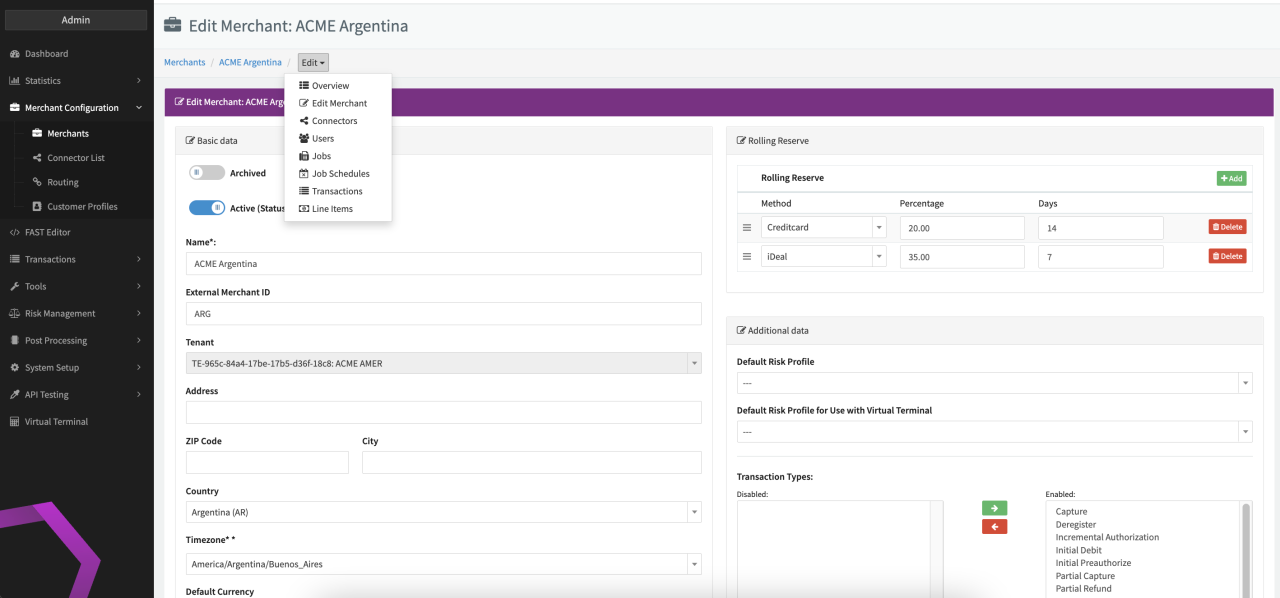
- Select Job Schedules in the drop down menu of the breadcrumb path for the selected Merchant (available in different views of this Merchant)
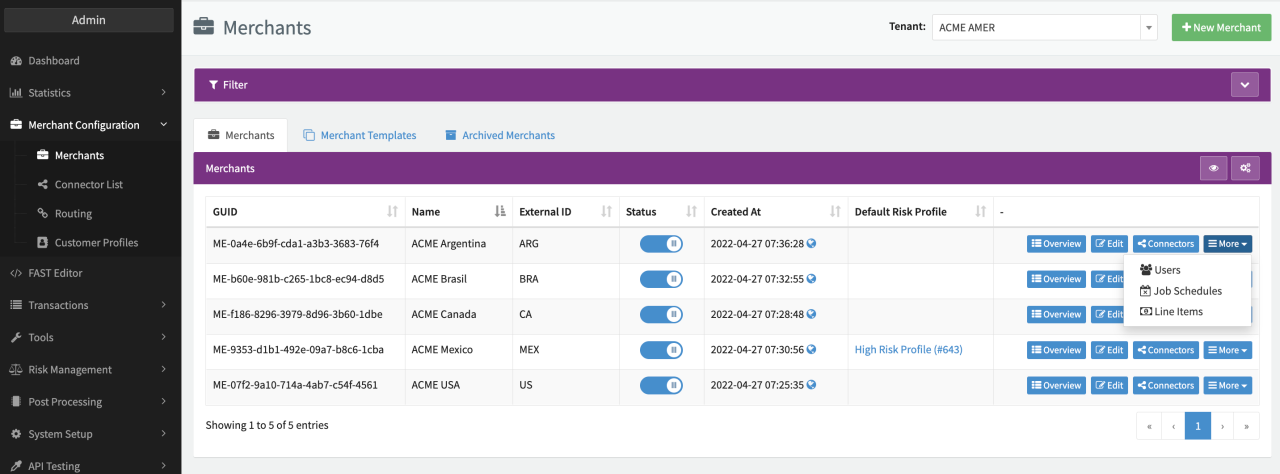
- Open the drop down menu by clicking More for the desired Merchant and select Job Schedules (Global Merchant Overview)
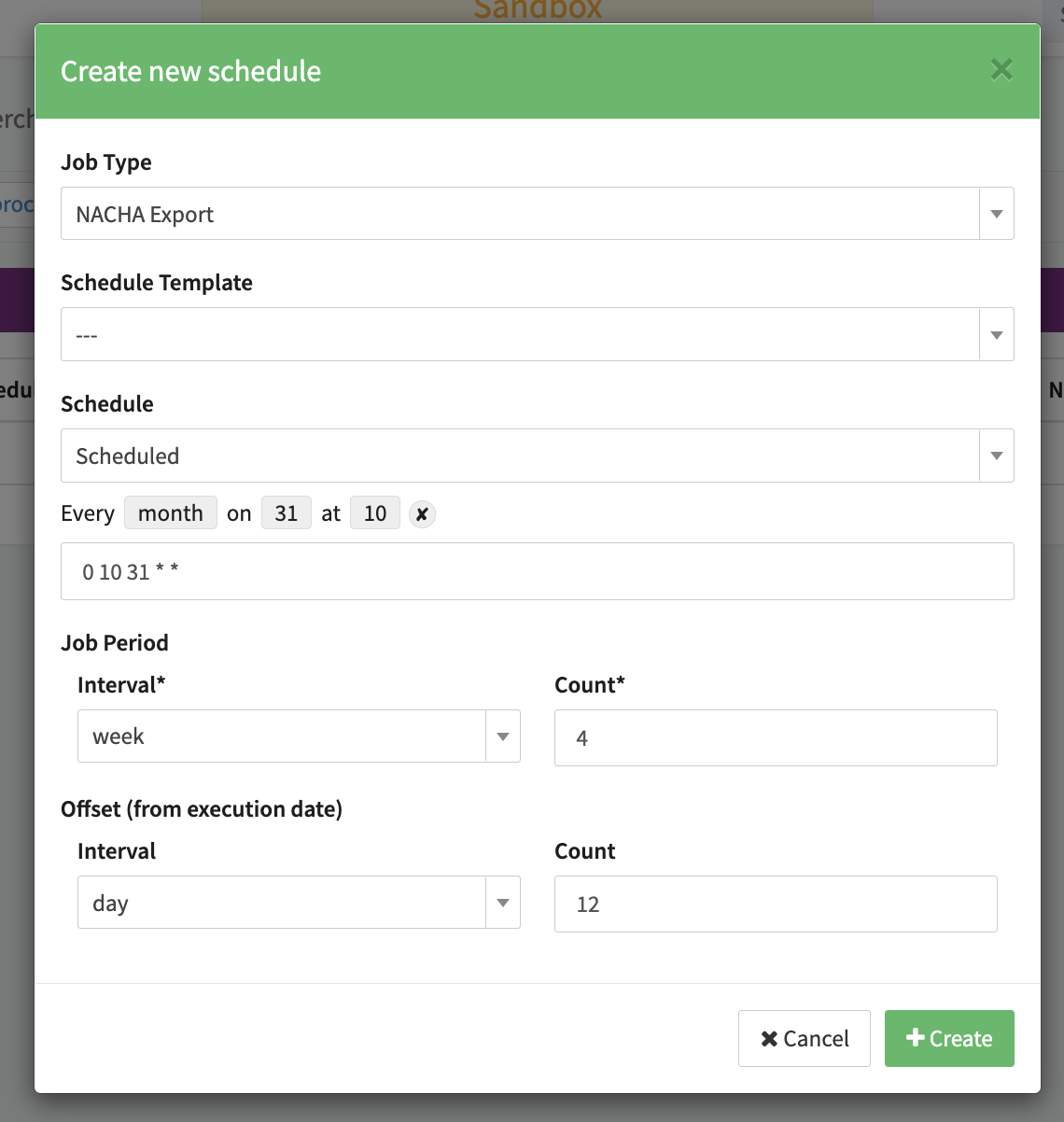
For Job Schedules on Merchant Level, additional configuration options are available compared to the options for Job Schedules on (Sub-)Tenant or Provider level:
- Select a Schedule Template - ignore this setting
- Select a Schedule option
- Manual trigger only
- Scheduled
- On Merchant Payout - Marketplace specific setting
Once created, you can edit, activate/de-activate and delete existing Job Schedules and manually trigger the run of jobs with this Job Schedule (see (Merchant) Job Schedules).