API User
Video: Set Up an API User

Learn how to set up a new API User.
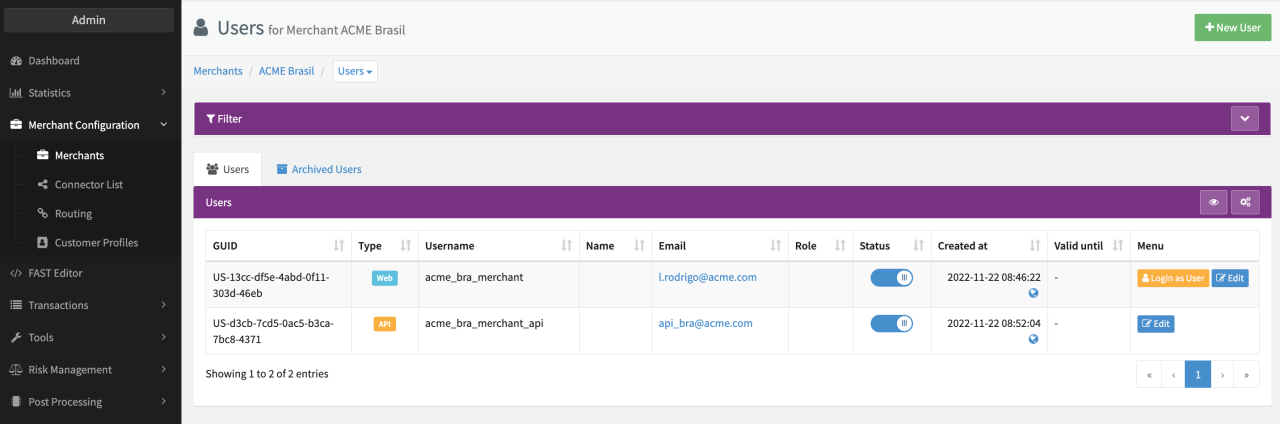
In order to be able to send Transactions via the Transaction API, you have to set up an API User per Merchant Profile. To do so follow these steps:
- Create a new (Merchant) User as described in the Web User section
- Select the User Type - API
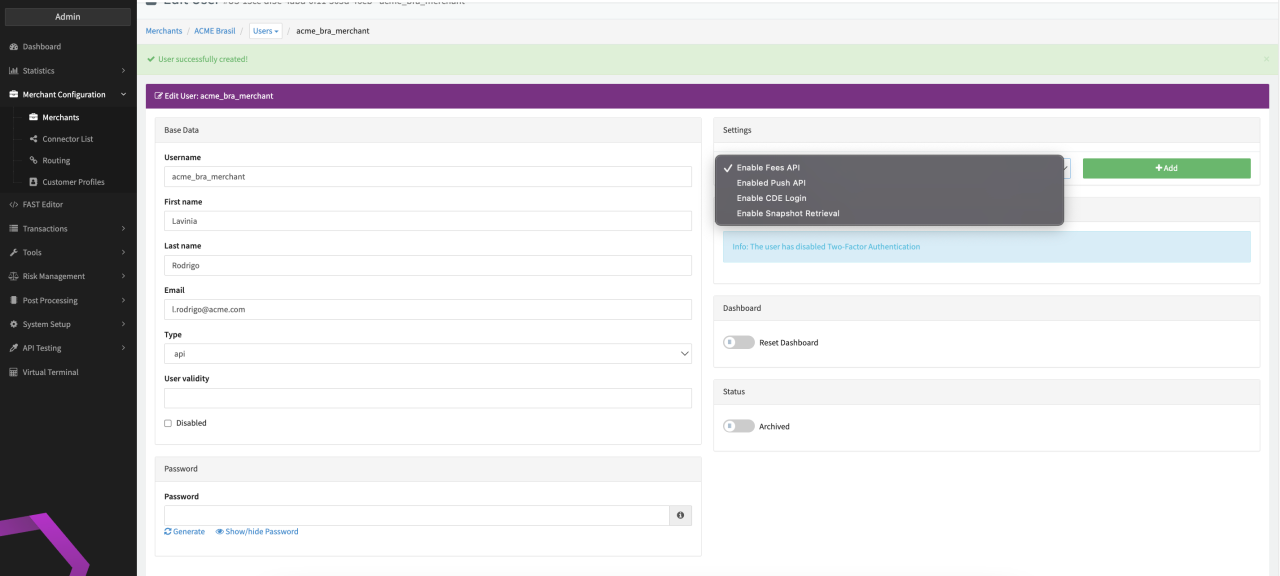
Depending on the selected User Type, different configuration options are available when editing the User:
Edit API Users
For API Users (see Edit API User):
- Disabled: Checkbox to disable the user. This action prevents immediate access to the platform for this user after saving.
- Settings: Enable Fee API, Enable Push API, Enable CDE Login, Enable Snapshot Retrieval
- Enable/Disable Reset Dashboard
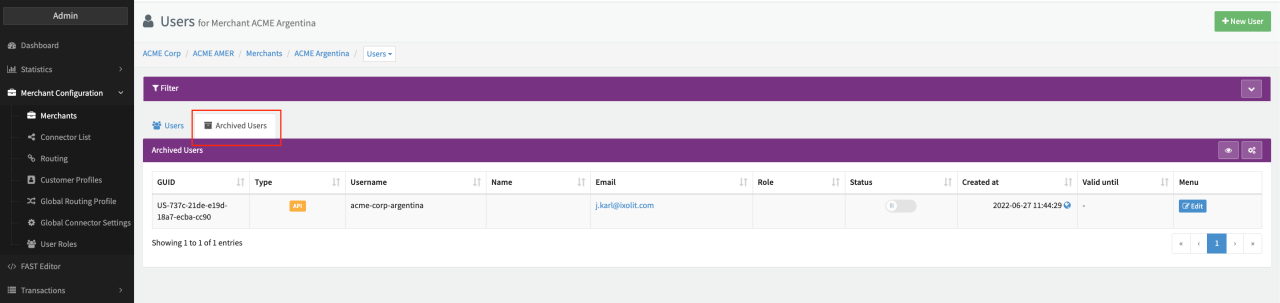
- Enable/Disable Archived: Archives this user. You can undo the archiving in the Archived Users section (see Archived (Merchant) Users)
- Click Save User to save the changes