Copy TX Data
With the Connector Setting Copy TX Data: Field to Field you can automatically copy specific transaction data fields to another transaction data field custom. The setting is configured per Connector, but can also be configured as a Global Settings.
To configure the connector setting follow this steps:
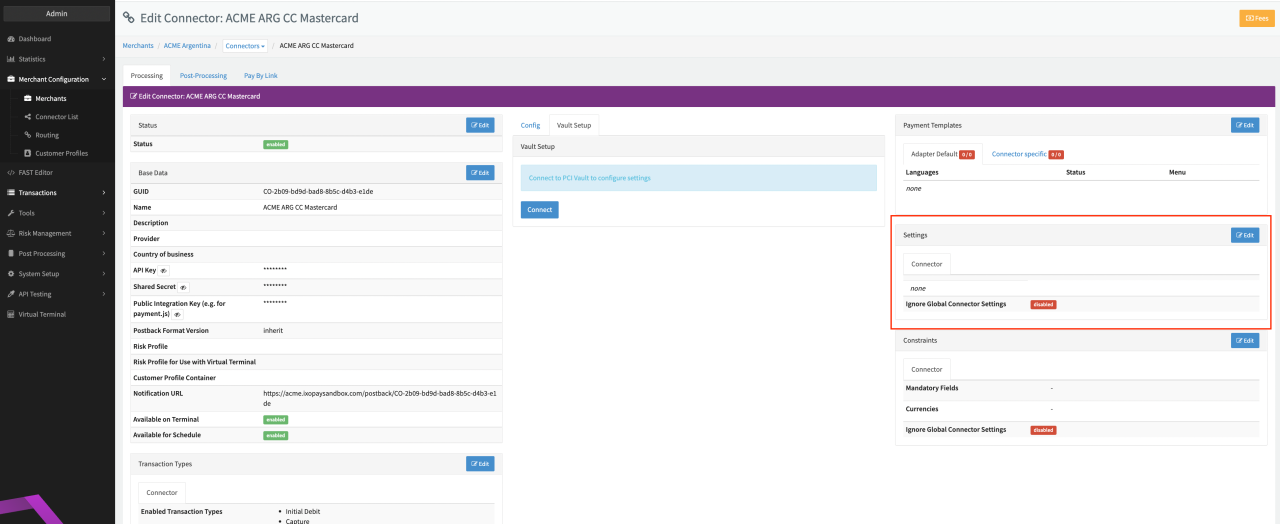
- Go to the Connector Detail Overview of the desired Connector
- Click Edit on the Settings section (see Connector Detail Overview)
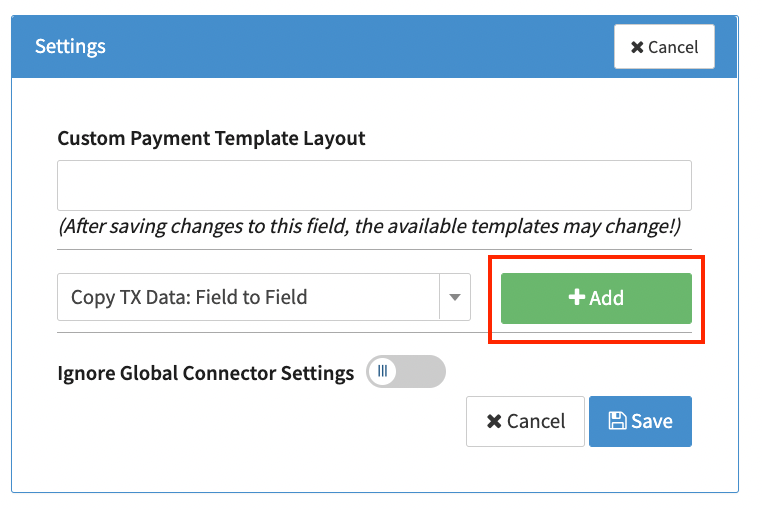
- Select the Connector Setting Copy TX Data: Field to Field and click Add (see Connector Settings)
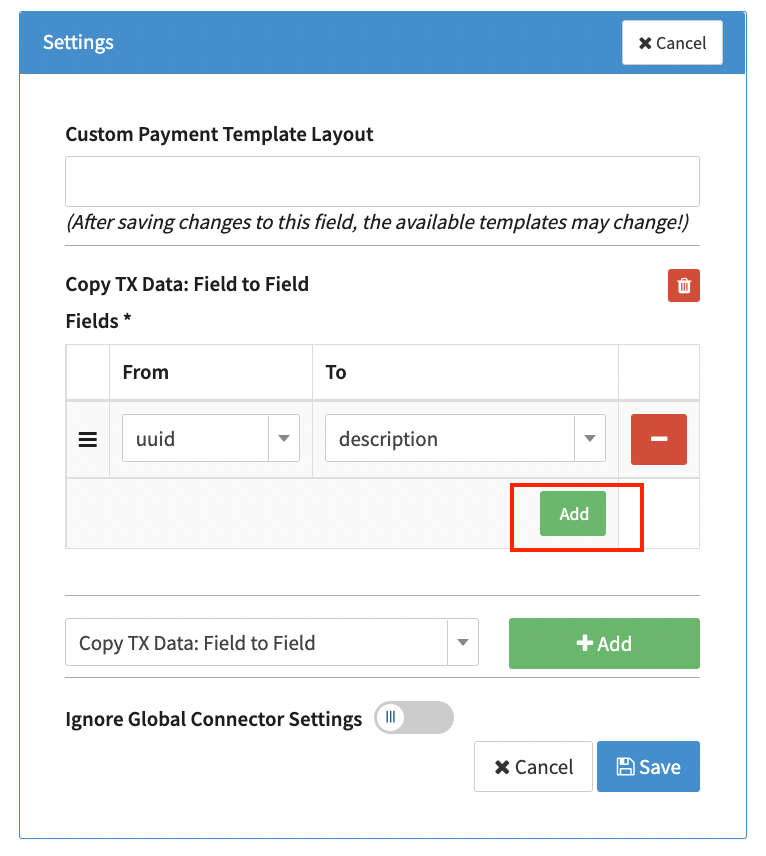
- Click Add to create a parameter pairs (Field From, Field To). You can add as many parameter pairs as you want.
- Select Parameter Field From, select Parameter Field To and click Save (see Parameter available Field From/To)
| Field From/To | Description |
|---|---|
| uuid | Transactions UUID |
| merchantTxId | Merchant Transaction ID (added to the transaction by the Merchant) to be copied |
| description | Transaction description |
| descriptor | Transaction descriptor |