Timezone Settings
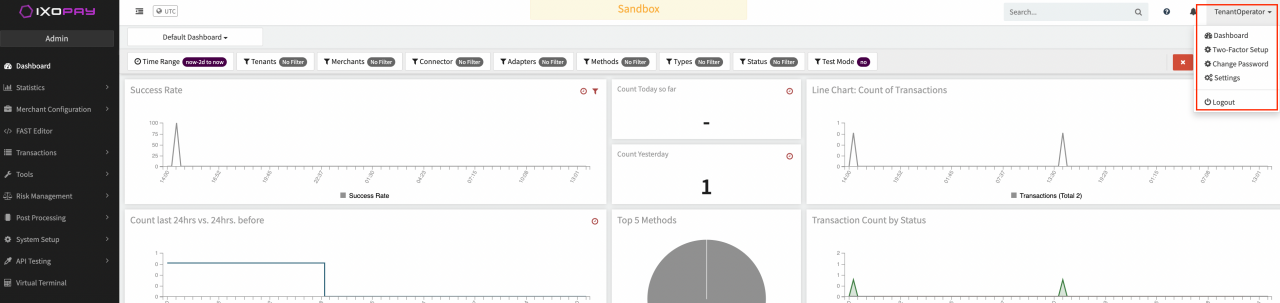
The timezone configured for your account is applied to all events, transaction details and reporting within IXOPAY. To set up or change your account's timezone:
- Either select the Timezone in the top bar or select the drop-down menu next to your user name in the top right corner (see Account Settings).
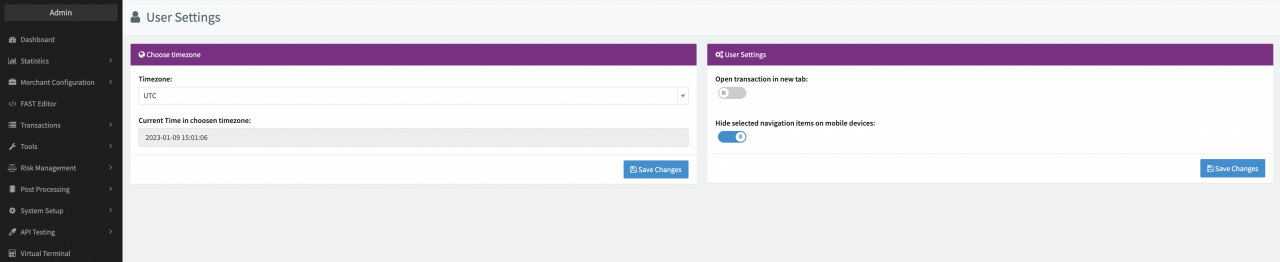
- Select the time zone from the drop-down.
- Click Save Changes.
User Settings
You can also configure the following options:
- Open transaction in new tab
- Hide selected navigation items on mobile devices