Change/Reset Password
Changing Passwords
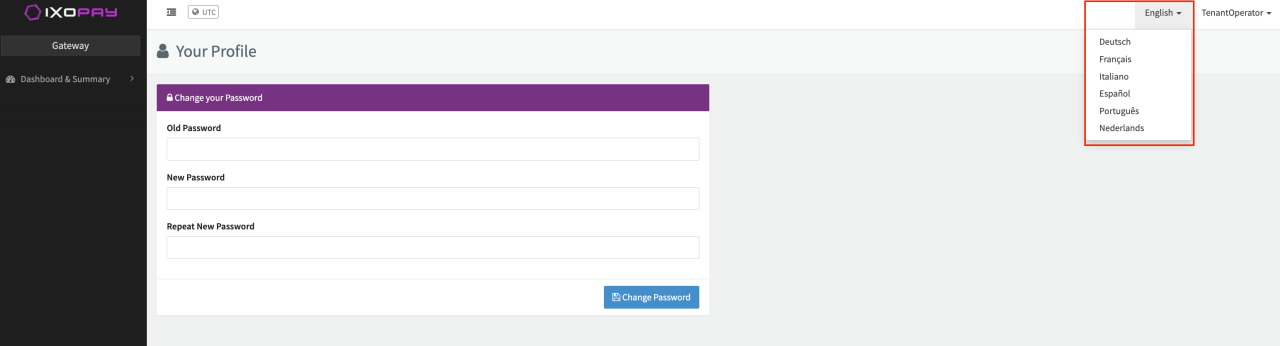
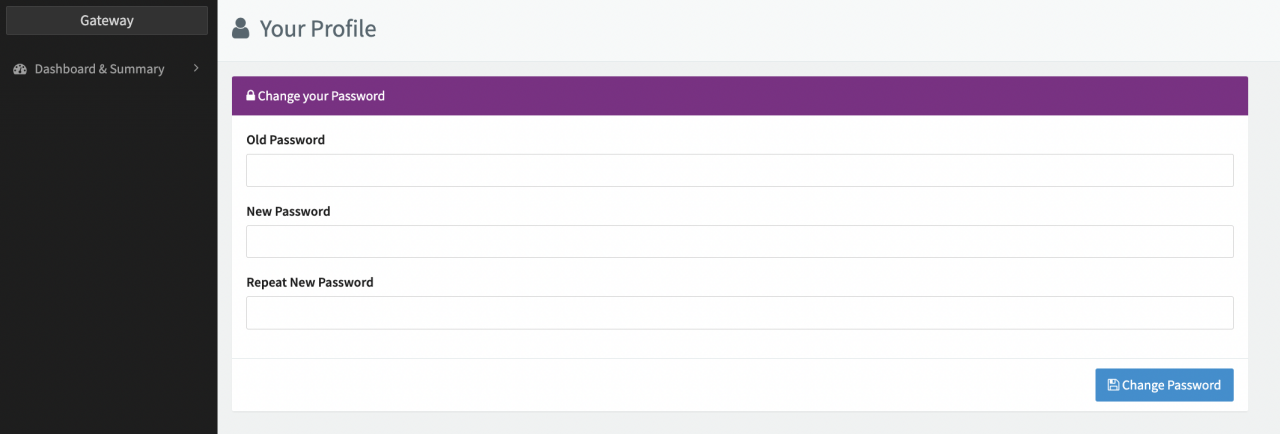
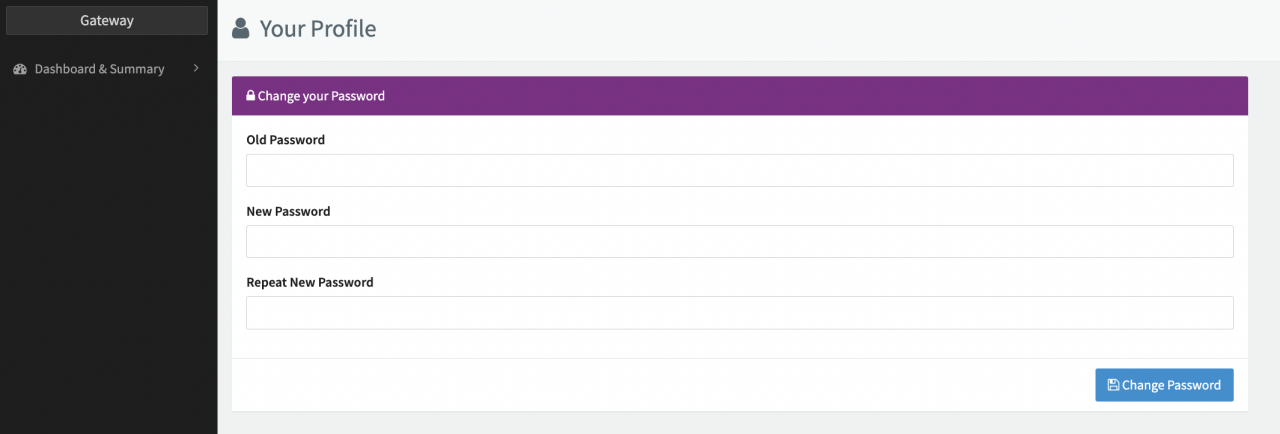
To change your password:
- Open the drop-down menu next to your user name in the top right corner (see Account Settings).
- Select Change Password.
- Enter your Old Password.
- Enter a New Password.
- Repeat the New Password.
- Click Change Password.
Resetting Passwords
Depending on your setup and user permissions, the platform Login page might include a password recovery option. Keep in mind that activation is dependent on the Release Cycles and takes minimum 4 weeks.
note
Before getting in touch with your administrator, make sure you are using the correct link to access your Production/ Sandbox environment.
Go to https://www.ixopay.com/signin, choose the environment and fill in your IXOPAY subdomain (e.g. name of your tenant).
Language Options
You can select the language for your account from the drop-down menu.