Sepa
SepaExpress
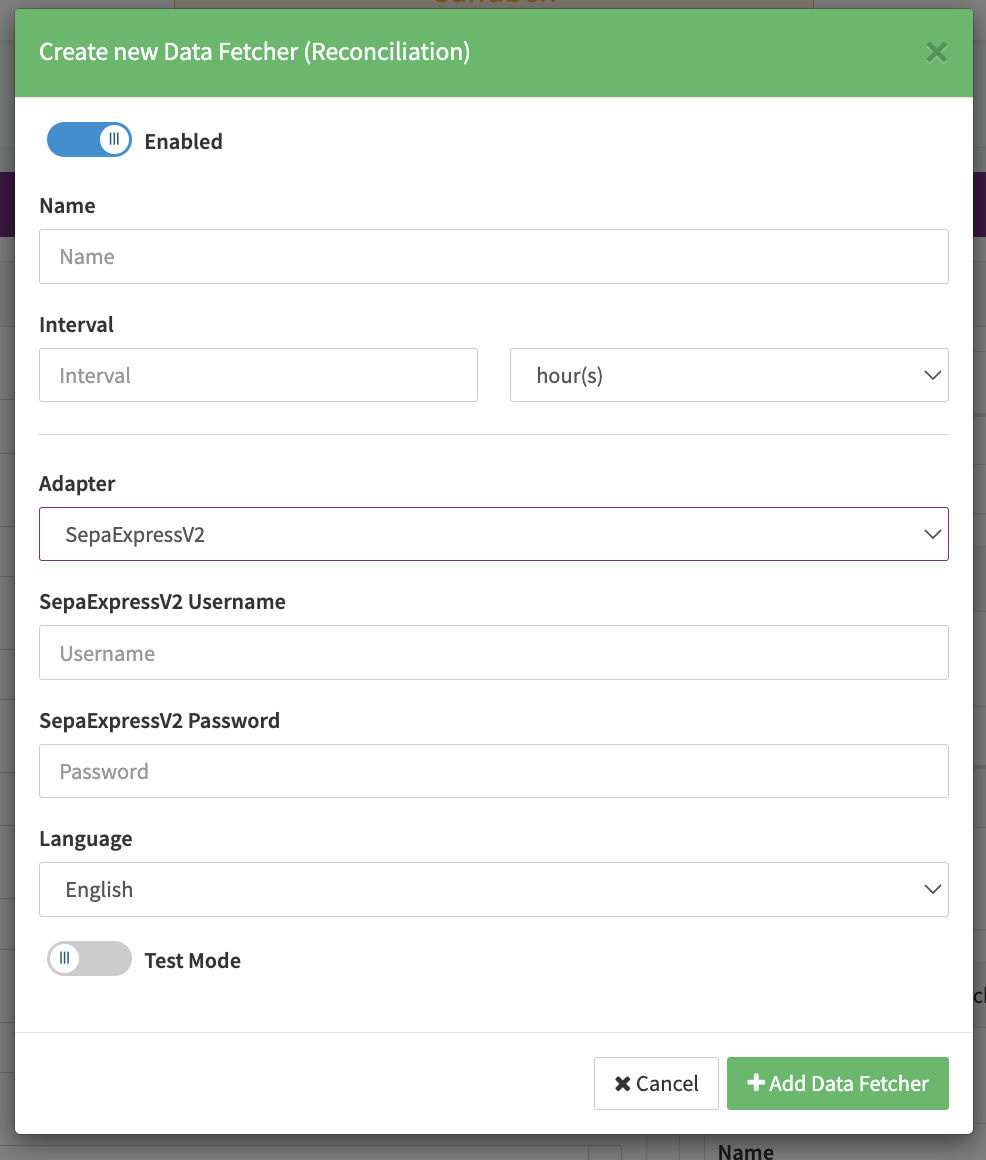
Configure the following parameters for the Connector (see Connector Config - SepaExpress):
- Fill in the mandatory Username
- Fill in the mandatory Password
- Fill in the mandatory API Secret
- Fill in the mandatory Extra Data: sharedSecret
- Fill in the optional Extra Data: integrationKey
- Fill in the optional Extra Data: gatewayHost
- Select the optional Extra Data: useOwnPaymentPage: True, False
- Select the optional Extra Data: treatPendingAsSuccess: True, False
- Fill in the optional Extra Data: useMerchantTxIdAsMetaData
SepaExpressV2
If you want to use this adapter, please contact your Customer Success Manager directly, or contact our Support Team in the IXOPAY Customer Experience Portal.
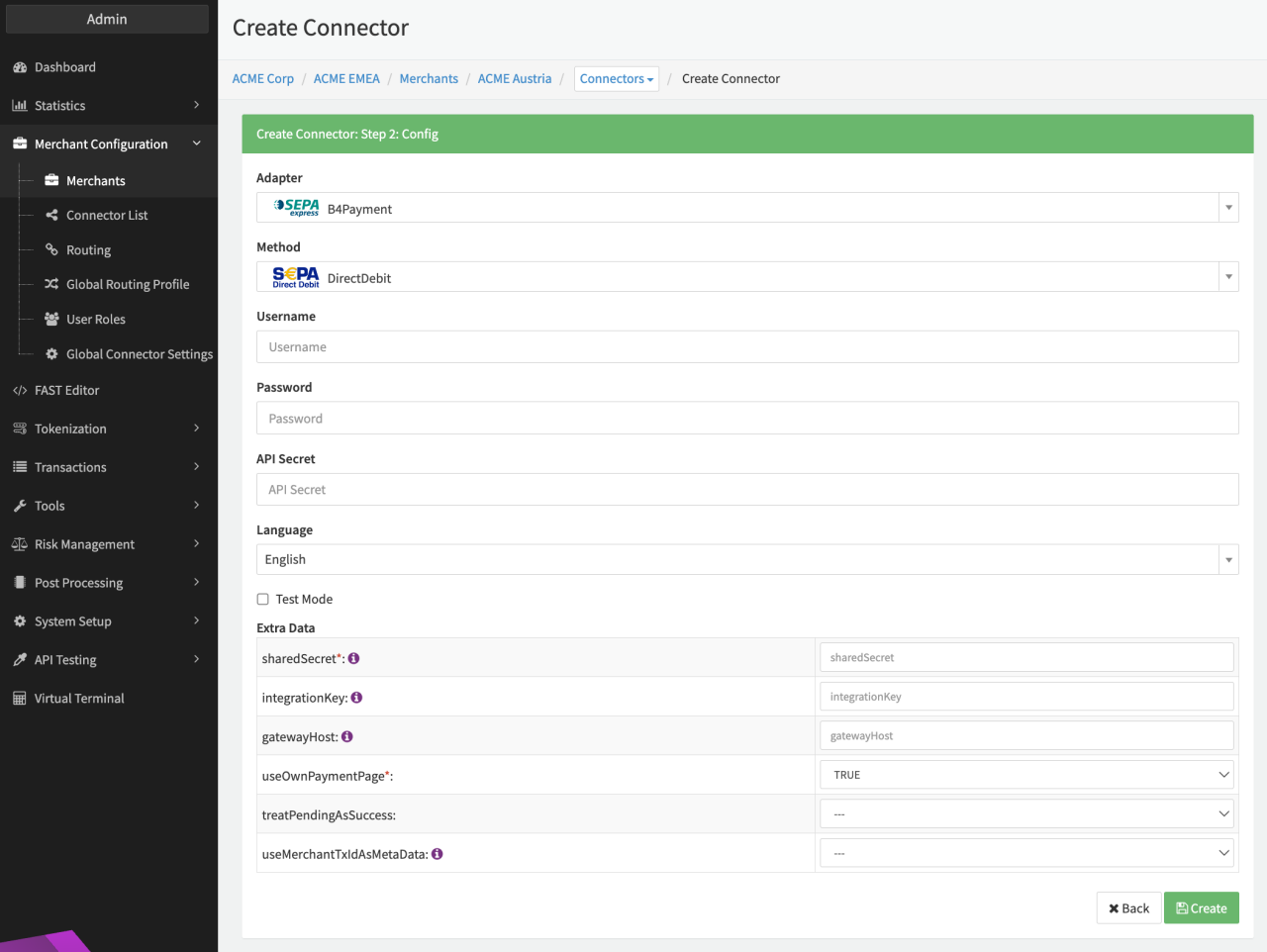
Configure the following parameters for the Connector (see Connector Config - SepaExpressV2):
- Fill in the mandatory SepaExpress Username
- Fill in the mandatory SepaExpress Password
- Fill in the mandatory Extra Data: Scheme: default sepa
- Fill in the mandatory Extra Data: Merchant ID
- Fill in the mandatory Extra Data: Connector ID
- Fill in the mandatory Extra Data: Tenant Name
- Fill in the mandatory Extra Data: Approval By: approval options (described below) to be set by user.
- Fill in the mandatory Extra Data: onlyAllowRefundOnSucces: true, false
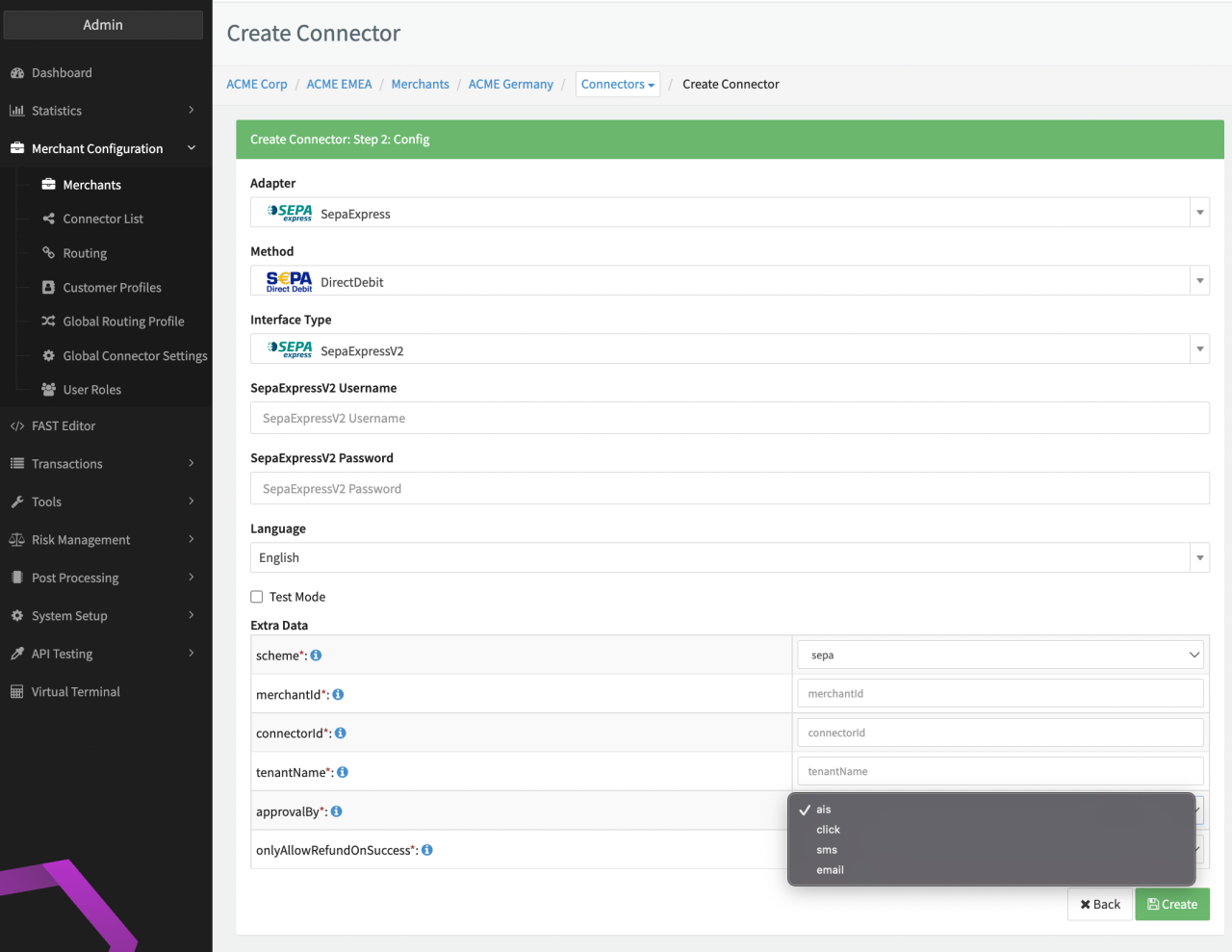
The 4 different Approval Options available are:
- AIS: Your customer approves the mandate by login to customers bank account.
- Click: Your customer approves the mandate by ticking a check box and/or clicking an approve button on the web page.
- SMS: Your customer approves the mandate by entering a TAN received via SMS
- Email: Your customer approves the mandate by entering a TAN received via email
Enable SEPA Webhooks
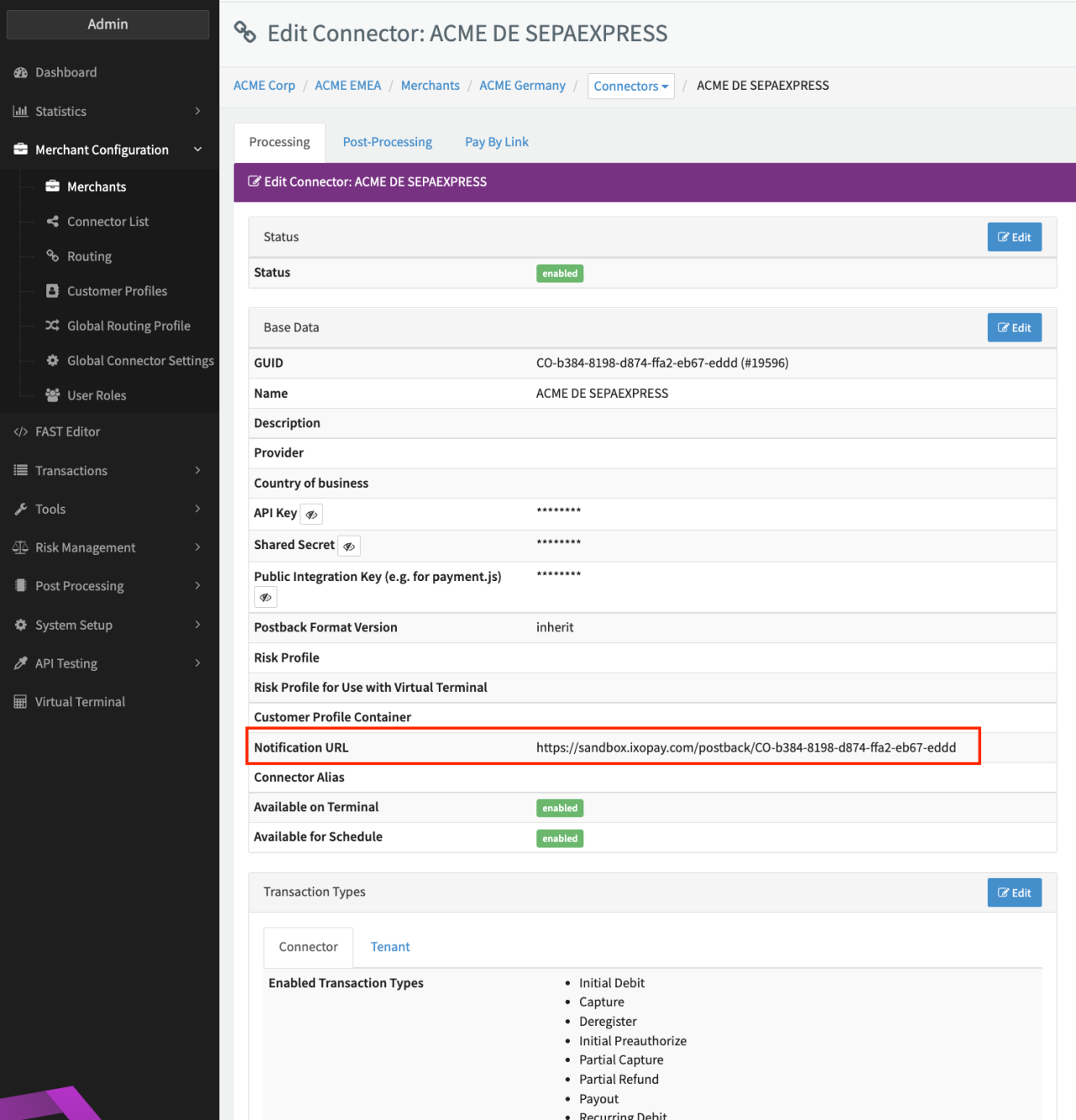
To ensure the correct status of transactions inIXOPAY platform for SepaExpressV2 Webhook events must be sent to the connectors Notification URL. Therefore get in contact with SepaExpress to enable Webhook Events for the following events for you:
- Payment:
payment.createdpayment.pendingApprovalpayment.pendingReviewpayment.pendingSubmissionpayment.submittedpayment.failedpayment.discardedpayment.expiredpayment.paid
- Payout:
payout.createdpayout.pendingReviewpayout.pendingSubmissionpayout.submittedpayout.failedpayout.discardedpayout.expiredpayout.paid
- Refund:
refund.createdrefund.pendingReviewrefund.pendingSubmissionrefund.submittedrefund.failedrefund.discardedrefund.expiredrefund.paid
Credentials (SepaSandBox MerchantId etc…) and testing data (IBAN) can be found here: https://sepaexpress-sand-fx.azurewebsites.net/redoc#tag/Testcases-SEPA.
Data Fetcher Configuration
You have the option to configure Data Fetchers (see section Enable and Set Up Reconciliation on the Provider Level) either on Provider or on Connector Level, depending on which setup works better for your provider.
Reconciliation
Configure the following Parameters for the Reconciliation Data Fetcher to fetch Reconciliation (see Reconciliation Data Fetcher Provider Level):
- Fill in an optional Name
- Fill in the expected Interval in which the Reconciliation File should be fetched - days, hours
- Select the Adapter SepaExpressV2
- Enable Testmode