PayOn
Creditcard
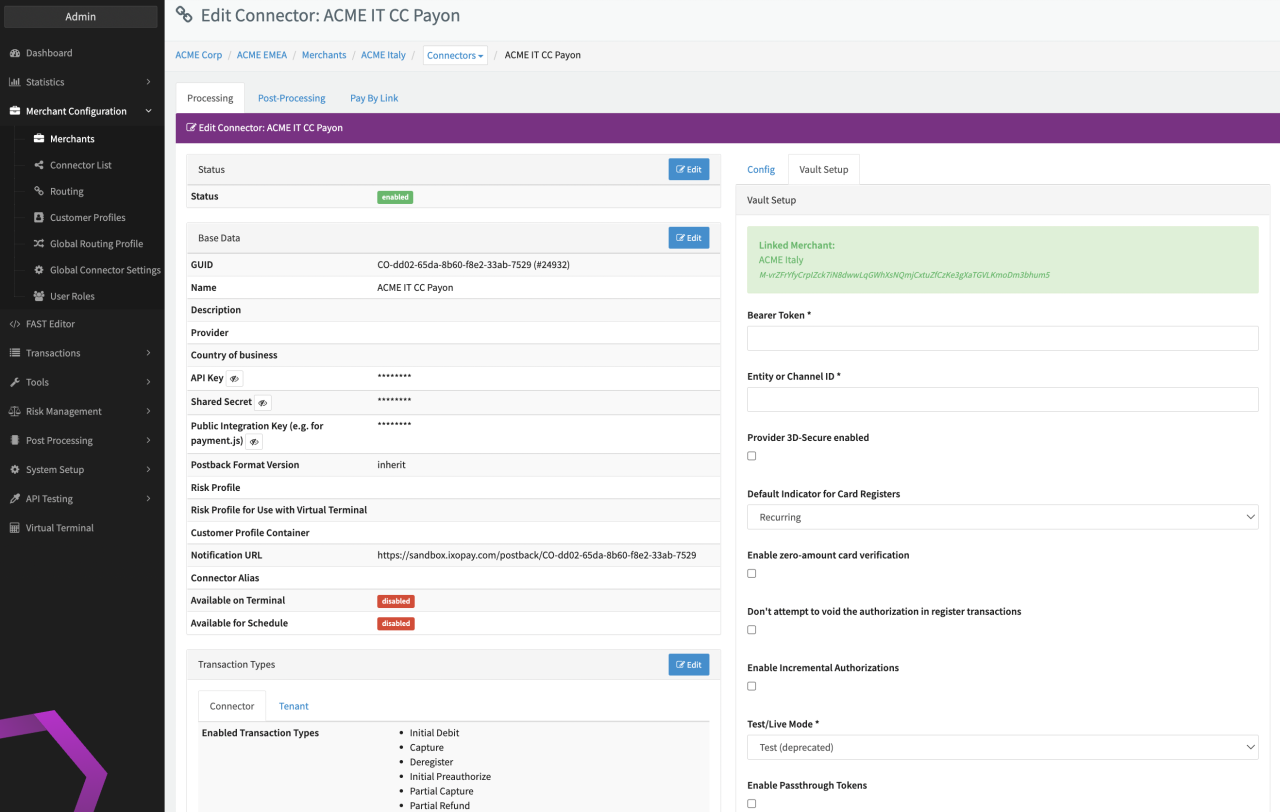
Configure the following parameters for the Connector (see Connector Detail Overview - Payon Creditcard - Vault Configuration):
- Fill in the mandatory Bearer Token
- Fill in the mandatory Entity or Channel ID
- Check the option to use Provider 3D-Secure enabled
- Select the mandatory Default Indicator for Card Registers: Recurring, Unscheduled
- Check the option to enable zero-amount card verification
- Check the option to Don't attempt to void the authorization in register transactions
- Check the option to Enable incremental Authorization
- Select the mandatory Test/Live Mode: Test EU, Live EU