Luxon Pay
Wallet
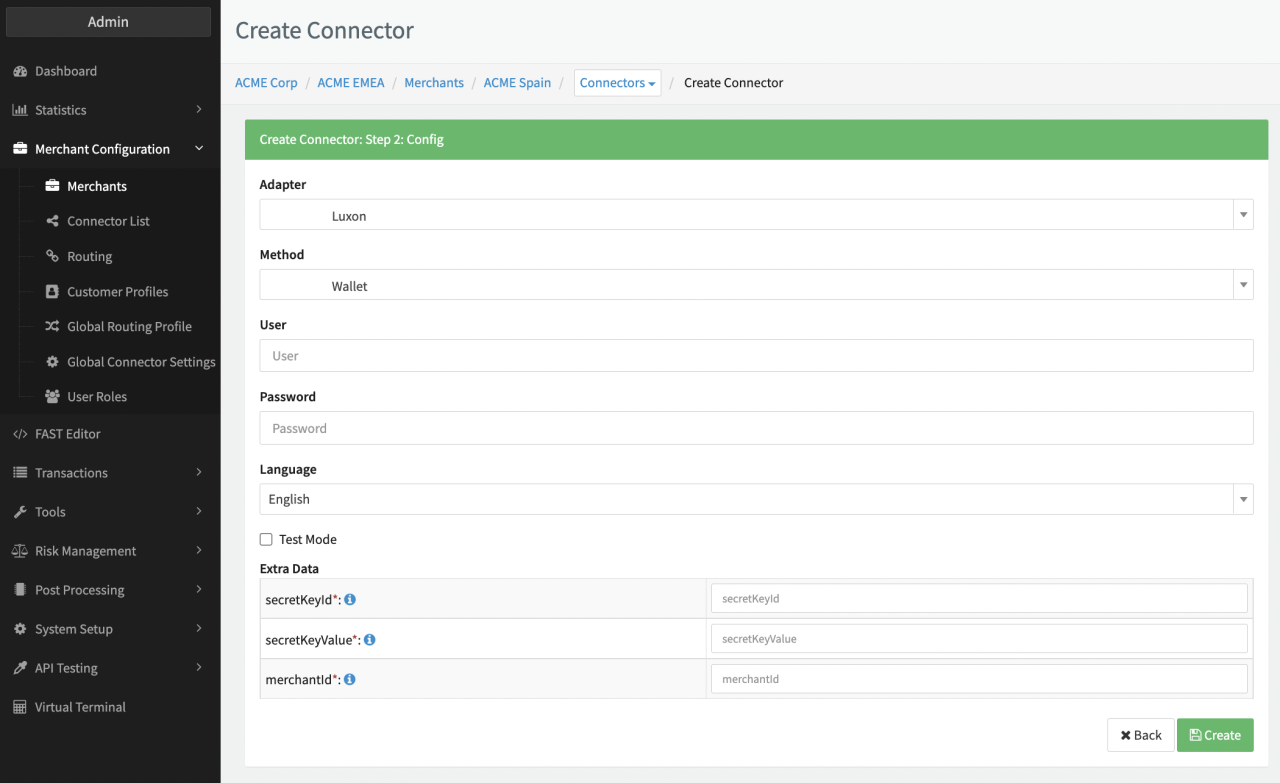
Configure the following parameters for the Connector (see Connector Config - Luxon Pay):
- Fill in the mandatory User — Merchant Account Credentials Luxon Pay
- Fill in the mandatory Password — Merchant Account Credentials Luxon Pay
- Fill in the mandatory Extra Data: secretKeyId — Provided by Luxon Pay
- Fill in the mandatory Extra Data: secretKeyValue — Provided by Luxon Pay
- Fill in the mandatory Extra Data: merchantId — To be found in Merchant Account
Webhooks
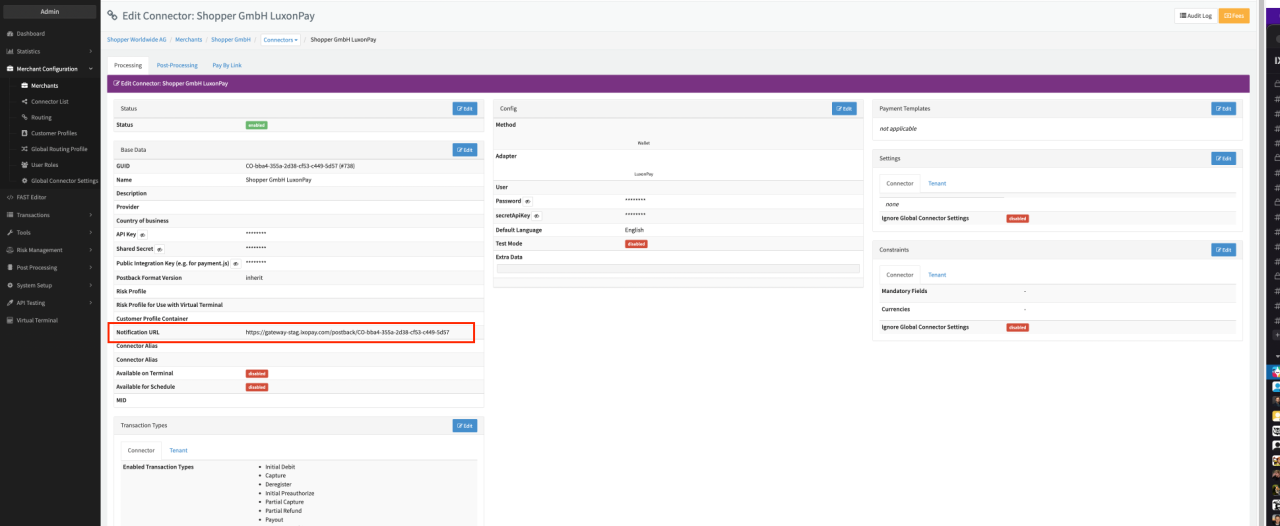
In order to update the transaction status and to enable two-step transactions, you must configure the Notification URL of the Connector in your Merchant Luxon Pay Account (see also https://luxon.com/api/webhooks/).