Dalenys / Payplug
Vault Setup
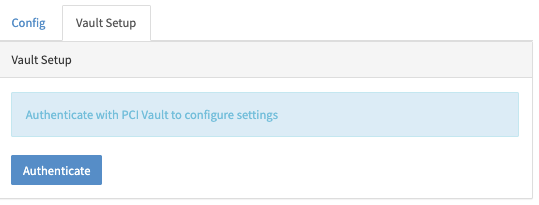
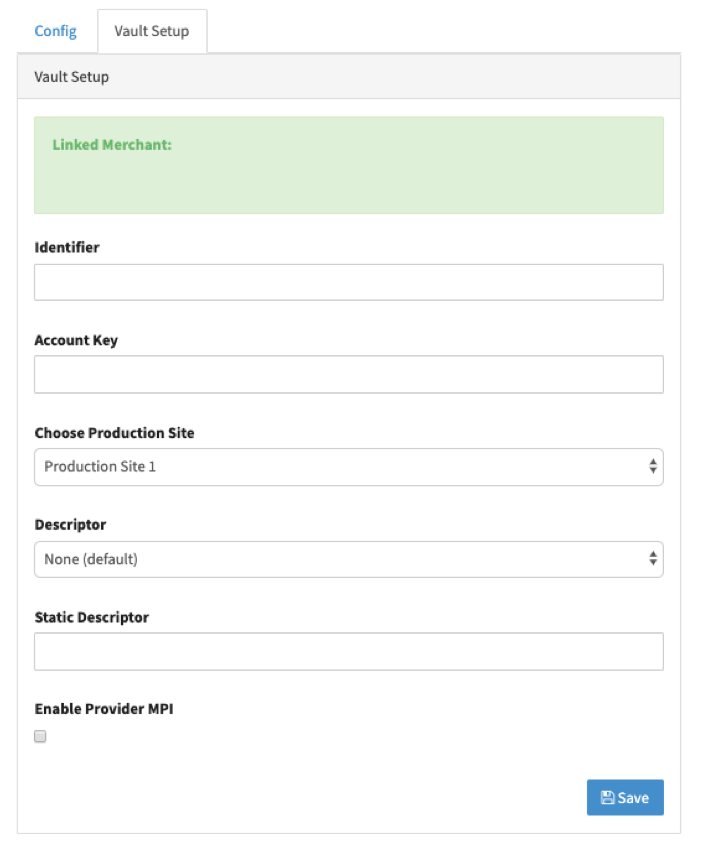
Once you have done Authentication with your password, you will be presented with Vault Setup page to complete the configuration.
Add your Identifier (Identifiant ACCOUNT) and Account Key parameters, and for Production Site choose Production Site 1. If you've been provided with Static Descriptor by Provider fill that field as well.
In order to enable 3DS for the Connector you need to enable "Provider MPI".
Processing Currency
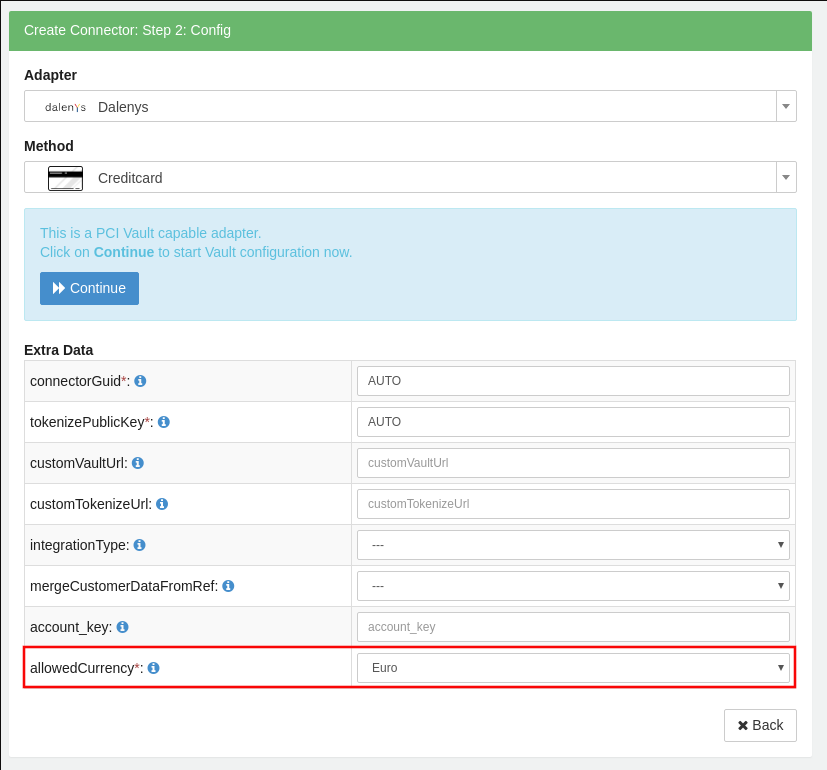
Although, required by the IXOPAY platform's API, the currency parameter doesn't matter to Dalenys (the IXOPAY platform won't send any currency parameter to Dalenys API). All Transactions will be processed in a certain currency, bound to Dalenys Account.
In order to avoid processing in a wrong currency by accident, Users have to configure the processing currency for the Connector explicitly (see image Allowed currency). The configured currency value must match the currency, that is configured on Dalenys Account.
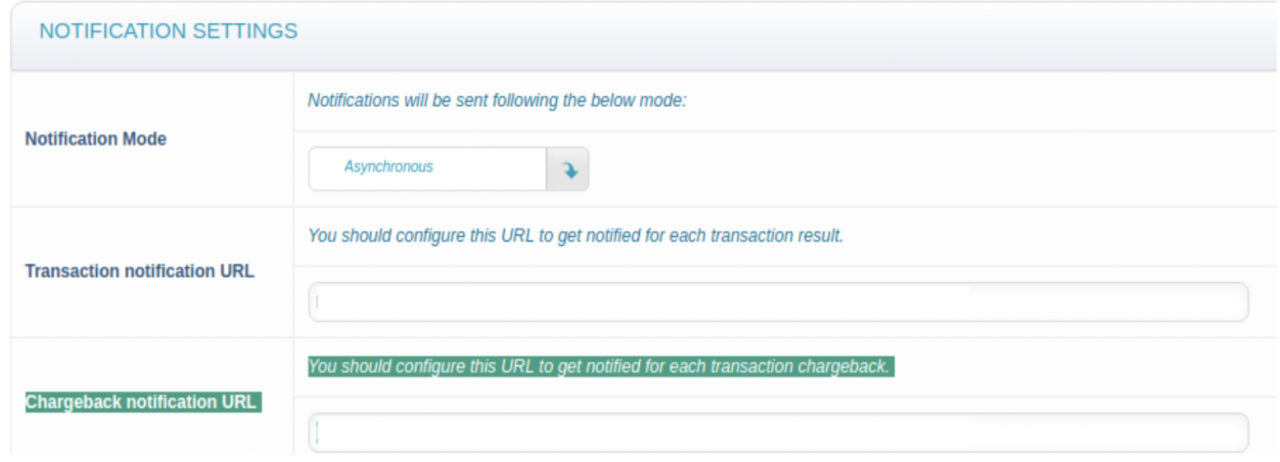
Transaction & Chargeback notifications
To properly process ordinary and Chargeback notifications, please setup the respective notification URLs in Dalenys portal. Both, Transaction and Chargeback notification URLs, are identical and shall be copied from the Connectors configuration page.
Redirection in 3DS flow
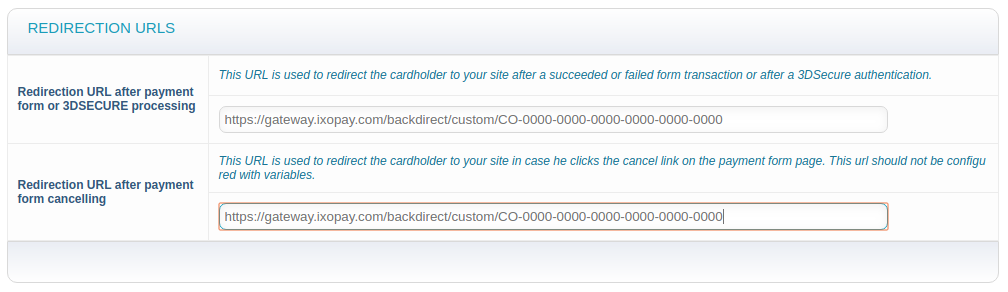
In order to redirect the customer from the issuer's 3DS server back to the Merchant's website, a dedicated URL must be provided in Dalenys config settings. The URL is for both situations the same and has the following pattern:
https://{HOST}/backdirect/custom/{CONNECTOR-GUID}
e.g. https://gateway.ixopay.com/backdirect/custom/CO-0000-0000-0000-0000-0000-0000