CTBC
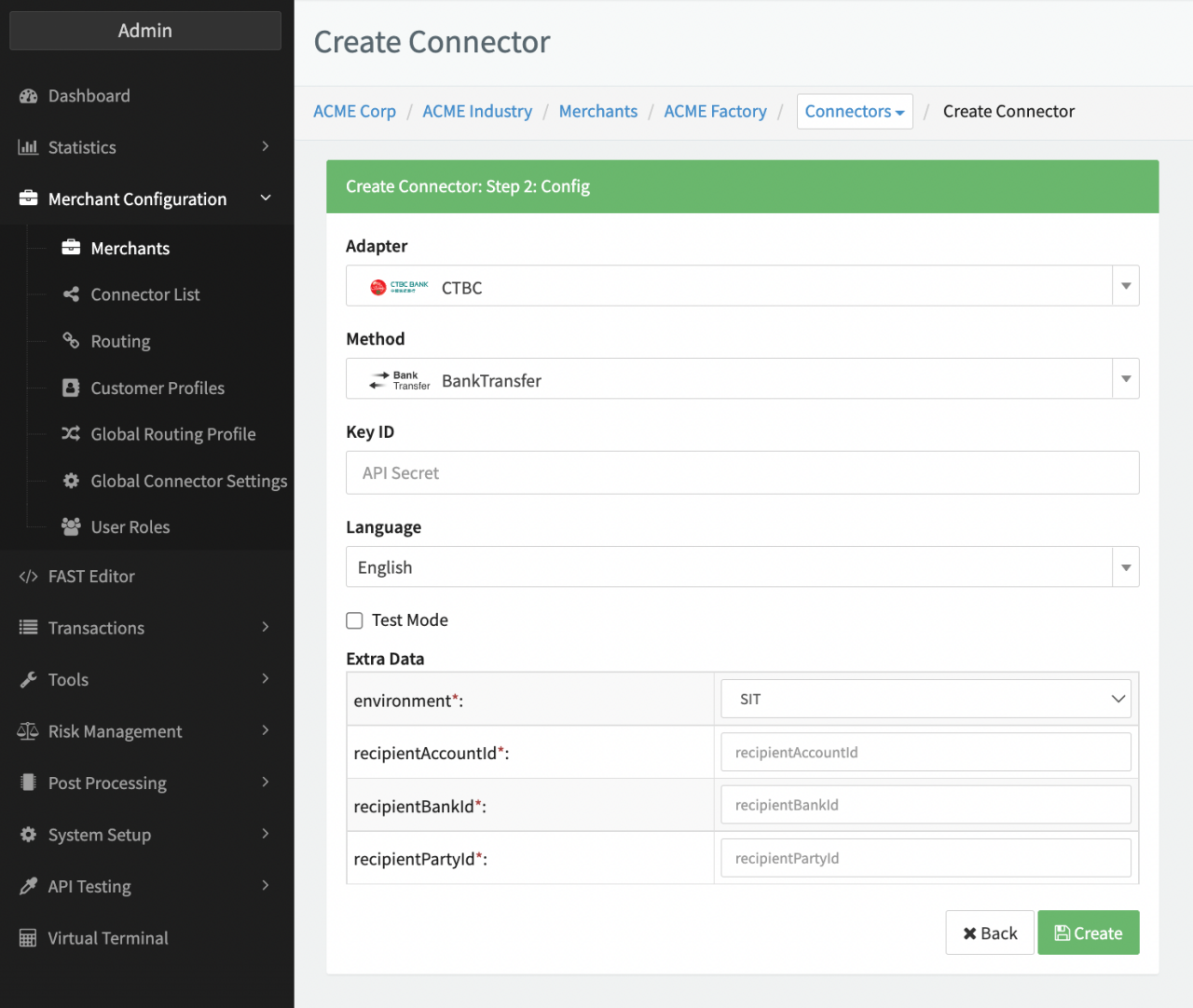
Configure the following parameters for the Connector (see Connector Config - CTBC):
- Fill in the mandatory Key ID — Unique Key ID used for authentication
- Select the mandatory environment — SIT, UAT, PROD
- Fill in the Extra Data: recipientAccountId — Receiving Account Id
- Fill in the Extra Data: recipientBankId— Receiving Bank Swift Code
- Fill in the Extra Data: recipientPartyId — Receiving Tax ID number (juristic person)